Order Number: 744211
Product Name: Betafpv 5in1 1s Brushless Fc
Brand: BetaFPV
When my elrs controler is conected the vtx dous not send clear image to the goggles but when the controler is of it works normally.
I know it is a problem with the fc because i tested my gear (controller,goggles) on my cousins drone which he bought the exact same fc a week before me.
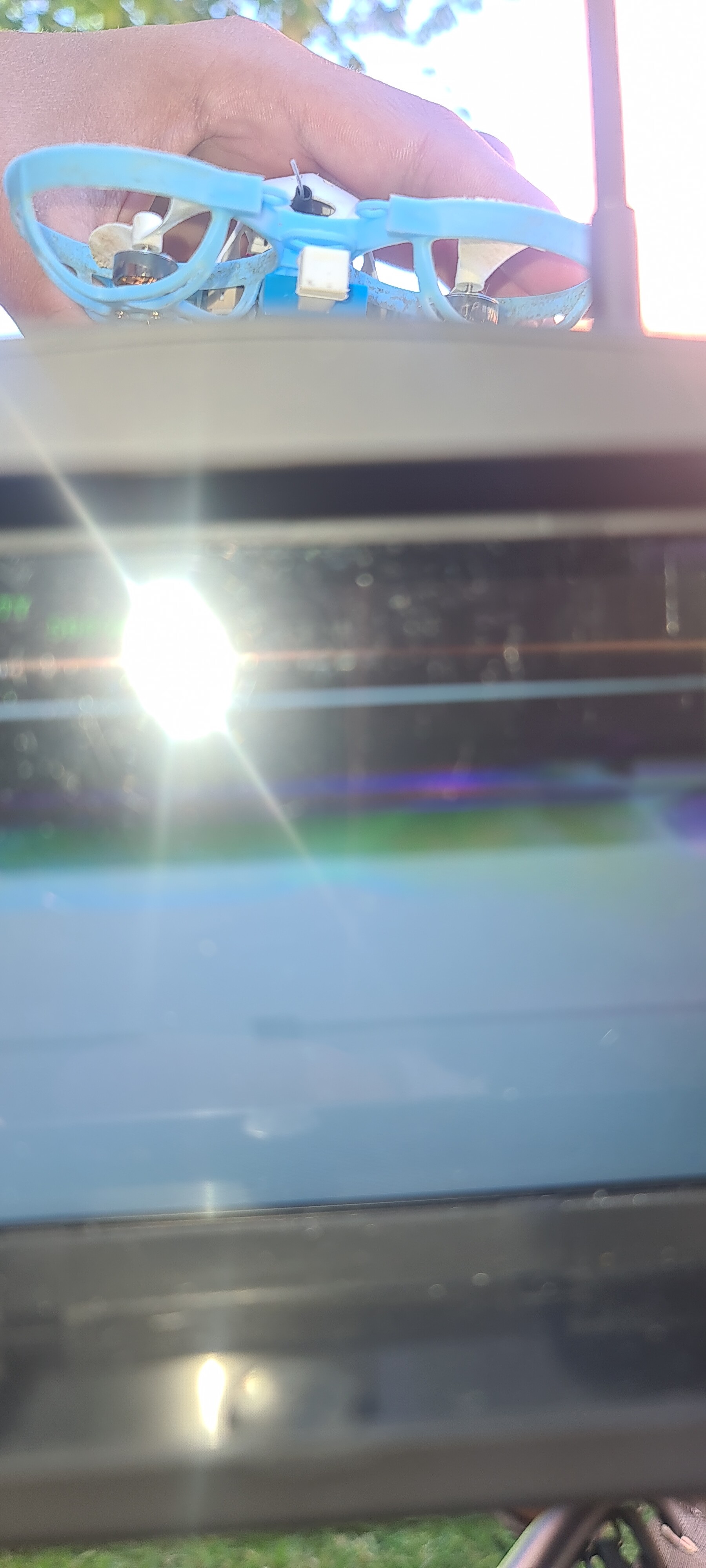
Thanks for getting in touch and for the detailed email. I’m sorry to hear you’re having such a frustrating time with the video interference on your new BetaFPV flight controller.
It’s a massive help that you’ve already tested it against your cousin’s setup to isolate the problem – that saves a lot of time and points us in the right direction. Let’s see if we can get this sorted for you.
Often, these kinds of video issues come down to a few common setup settings in Betaflight.
Let’s Start with the Easiest Fixes
Nine times out of ten, analog video problems are caused by one of the following two things. Please could you check these first?
1. VTX Channel Mismatch  Your goggles and the drone’s video transmitter (VTX) must be on the exact same frequency to get a clear picture. Even being one channel off can result in a fuzzy, static-filled image.
- In Betaflight: Go to the Video Transmitter tab and check what Band and Channel it’s set to (e.g., Raceband 1, Fatshark 2, etc).
- On your Goggles: Manually set your goggles to that exact same Band and Channel. The auto-scan feature can sometimes lock onto a nearby channel, so setting it manually is always best for testing.
- Try a Different Channel: If R1 doesn’t work well, try setting both the VTX and your goggles to F4 (5760MHz) or F7 (5880MHz) and see if the signal is any clearer.
2. Is “Pit Mode” On?  Pit Mode is a feature that drops the VTX to almost zero power so you can work on your quad without disrupting other pilots’ video feeds. If it’s on by accident, your video range will be extremely short.
- In Betaflight: Go to the Video Transmitter tab. Make sure “Pit Mode” is switched OFF. Also, check that the power level is set to something like 200mW for testing, not 25mW.
If That Didn’t Work, Let’s Dig Deeper
If you’re still getting interference after checking the channels and pit mode, we’ll need to look a little closer at the hardware and configuration.
3. Quick Flight Controller Health Check  Since this is a new board, it’s good practice to confirm it’s working as expected before we go further. Could you run through our quick testing guide? It helps rule out any underlying hardware issues.
- Please follow our guide here:
How do I test my new Flight Controller?
(The key things are to check it powers on, connects to Betaflight, and that the gyro responds when you move the board around).
4. Tackling ELRS Interference  What you’re describing sounds a lot like RF (Radio Frequency) noise from the ELRS receiver interfering with the sensitive analog video components. Here are the most effective ways to fix that:
- Antenna Placement: Make sure your ELRS receiver antenna is positioned as far away from the VTX antenna and the camera wires as possible. Physical separation is the best defence against noise.
- Lower ELRS Power: In your radio’s settings, try temporarily dropping the ELRS power down to 25mW or 50mW. If the video clears up, we’ve found the culprit.
- Add a Capacitor: If you are comfortable soldering, the single best fix for video noise is adding a low-ESR capacitor (e.g., 470uF) to the board’s main battery pads. I understand you might not want to do this on a new build, so let’s treat this as a last resort for now.
Still Stuck? Photos to the Rescue!
Since this is a custom build, if the steps above don’t solve it, the best way for us to help is to see your setup. Could you please send over a few clear, high-resolution photos showing:
- An overall shot of the quad.
- A close-up of the flight controller, showing where everything is connected.
- The placement of your VTX antenna and ELRS receiver antenna.
- A screenshot of the Video Transmitter tab in Betaflight.
What Happens Next?
Once we’ve tried the software and configuration checks above, we can figure out if the board itself is faulty. You’re right that your cousin’s working board suggests a possible manufacturing variance. If we can’t solve it through troubleshooting, and the photos show a proper installation, we will get this raised with BetaFPV and arrange a replacement for you under warranty.
Let me know how you get on with those first few steps!