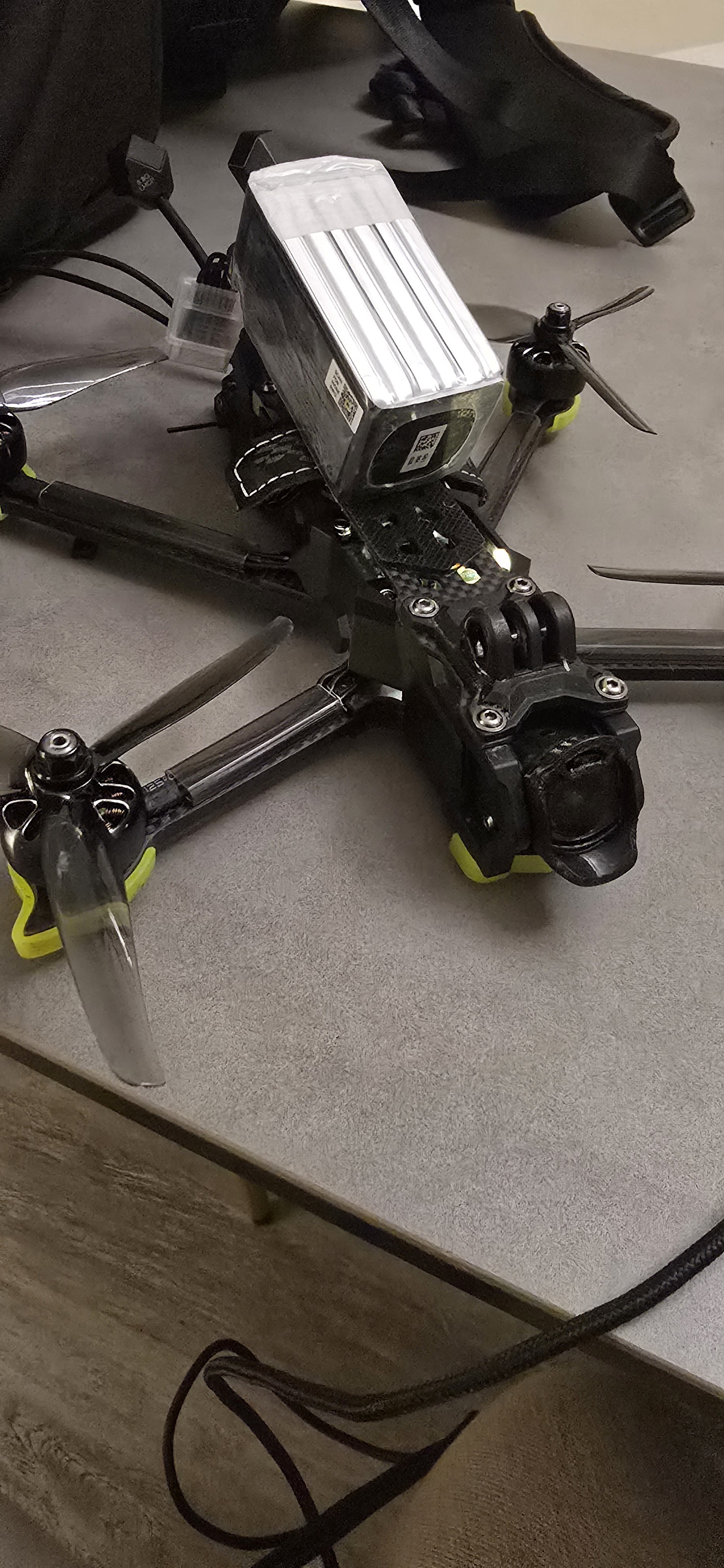
Order Number: 6508
Product Name: Iflight Nazgul Eco Dji O4 Pro Elrs
Brand: iFlight RC
Hello Unmanned Support Team,
I am writing to request a refund for my iFlight Nazgul ECO, as the DJI O4 Pro air unit supplied with the drone is faulty.
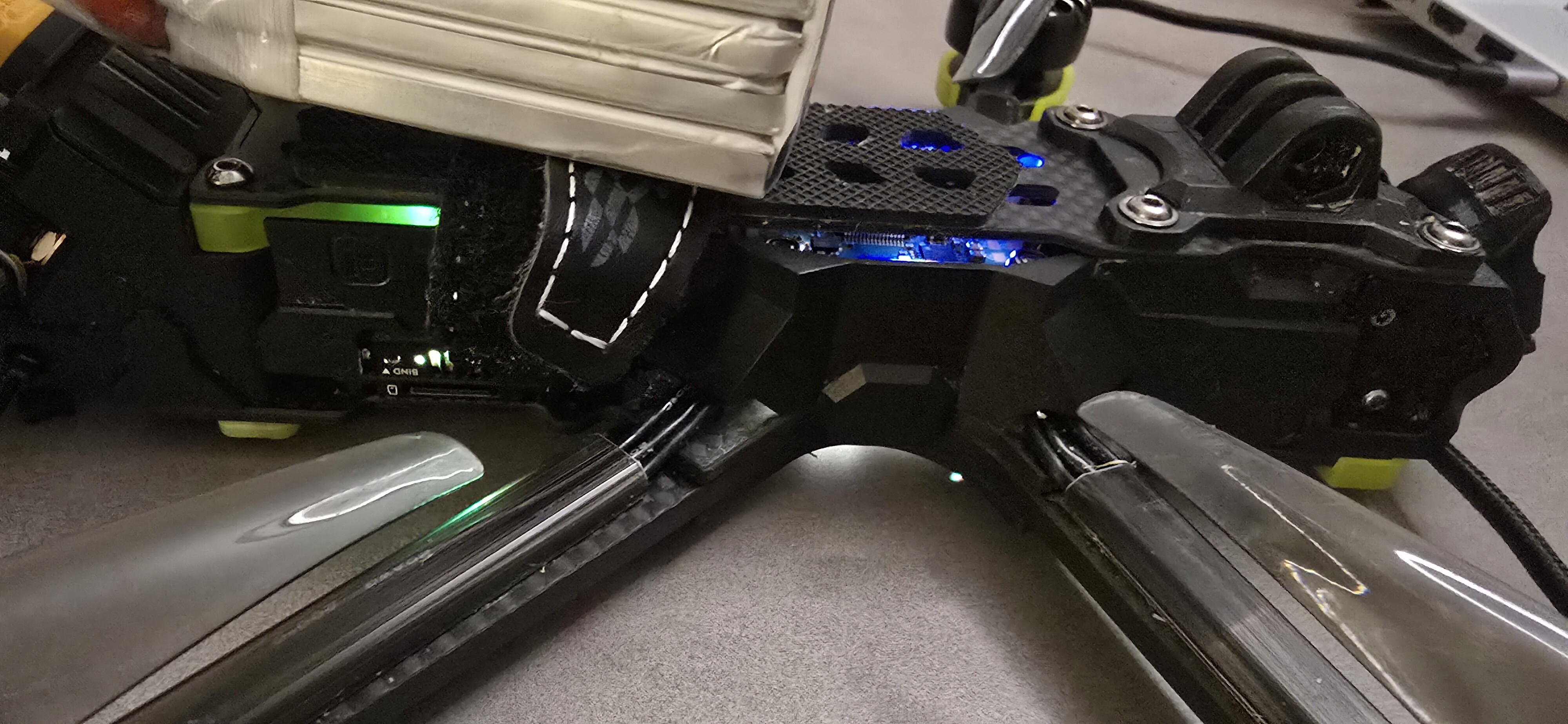
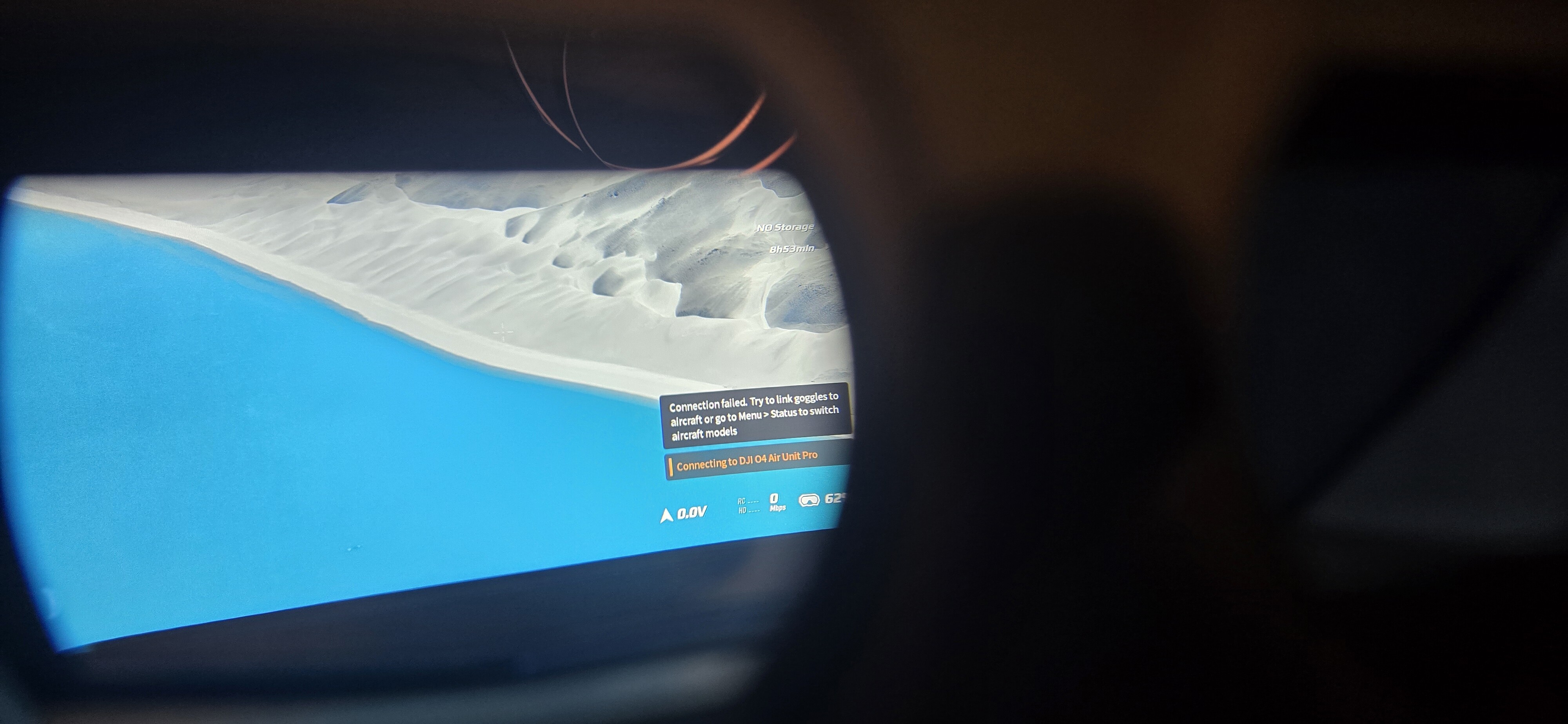
Summary of the issue: During normal operation the aircraft suffered a mid flight brownout and subsequent crash. Following this, the DJI O4 Pro air unit powers on but will no longer bind to the DJI Goggles N3. The bind button on the air unit produces no LED state change whatsoever.
Battery usage: The aircraft was flown using a battery fully within the manufacturer’s specified requirements. The battery was from Rattu, a reputable and well established brand, and was in good condition. No over voltage, incorrect cell count, or non compliant power source was used at any point.
Please let me know the next steps to proceed with the refund or replacement.
Kind regards,
Luke Selzer
Checks and diagnostics completed:
Confirmed DJI Goggles N3 firmware is on the latest version
Reflashed and refreshed the DJI O4 Pro air unit firmware using DJI Assistant 2 on PC
Verified firmware compatibility between goggles and air unit
Attempted binding using correct power up order and long press bind procedure
Confirmed the bind button produces no LED response in any condition
Verified that antenna or RF issues are not a factor, as these do not affect bind button behaviour
Conclusion: The lack of any LED response when pressing the bind button indicates a hardware failure of the DJI O4 Pro air unit. This is consistent with either a failed bind switch or internal power regulation damage following the brownout. This failure is not recoverable through firmware or configuration and renders the aircraft unusable as supplied.
As the drone is a BNF product and has not been modified, and as it was operated strictly within specification using a compliant battery, this represents a fault with the supplied system rather than user error. Given the diagnostics already completed, I am requesting a refund rather than a repair or further troubleshooting.
Hi Luke,
Thank you for the detailed report and for clearly outlining the diagnostics you’ve already completed, that’s very helpful and appreciated.
I’m sorry to hear about the in-flight failure and subsequent crash. Based on what you’ve described, we agree that the behaviour of the DJI O4 Pro air unit (specifically the lack of any LED response from the bind button) does indicate a likely hardware-level fault.
Before we can proceed further, it’s important to clarify how post-crash faults are typically assessed.
For any electronics fault that occurs following a crash, manufacturers will usually require objective flight data (such as blackbox logs and/or DVR footage) to determine whether the failure was caused by an internal hardware defect or by external factors during flight (for example, power sag, over-current, or impact-related damage). Without this data, post-crash failures are generally attributed to the crash itself rather than a manufacturing fault.
With that in mind, could you please provide the blackbox log from the crash flight, and any DVR footage if available?
This information gives us the best possible footing to assess the incident properly and to represent your case accurately with the manufacturer, rather than having the claim declined due to insufficient evidence.
Once we’ve received the logs, we’ll review them promptly and advise on the next steps, including return, refund, or replacement options as appropriate.
If you need any guidance on extracting the blackbox data, just let us know and we’ll be happy to help.
How would you rate our customer service?
Just as an additional note, if the air unit itself is not accessible over USB due to the crash, DJI Goggles N3 support automatic DVR recording by default (unless this has been manually disabled).
If DVR was enabled, the recorded footage from the goggles can also be very useful for post-incident analysis, particularly in confirming power behaviour and the sequence of events leading up to the brownout. This can sometimes be used alongside, or in place of, air unit data where access is limited.
How would you rate our customer service?
Hi!
Thanks for the quick reply, here is the last .bbl recorded unfortunately I wasnt recording DVR at the time on air side or goggles. As far as I can tell the N3 goggles do not record automatically as I usually need to activate it on the HUD?
This file should help you know everything you need to.
As I said it was a pretty nominal flight then I had a brown out and lost all video, I had no warnings of signal loss etc. I was doing a banked turn at the time but nothing drastic.
Cheers.
Luke .
(attachments)
btfl_022.bbl (2.07 MB)
apologies wrong log, I believe this is the right one
 btfl_all.bbl
Hi, i cant seem to access the BBL file, so would it be possible to attach directly to your response, or make the google drive link publicly accessible!
try now, should be accessible