Order Number: 15976708001526
Product Name: Happy Model Crux 35
Brand: HappyModel
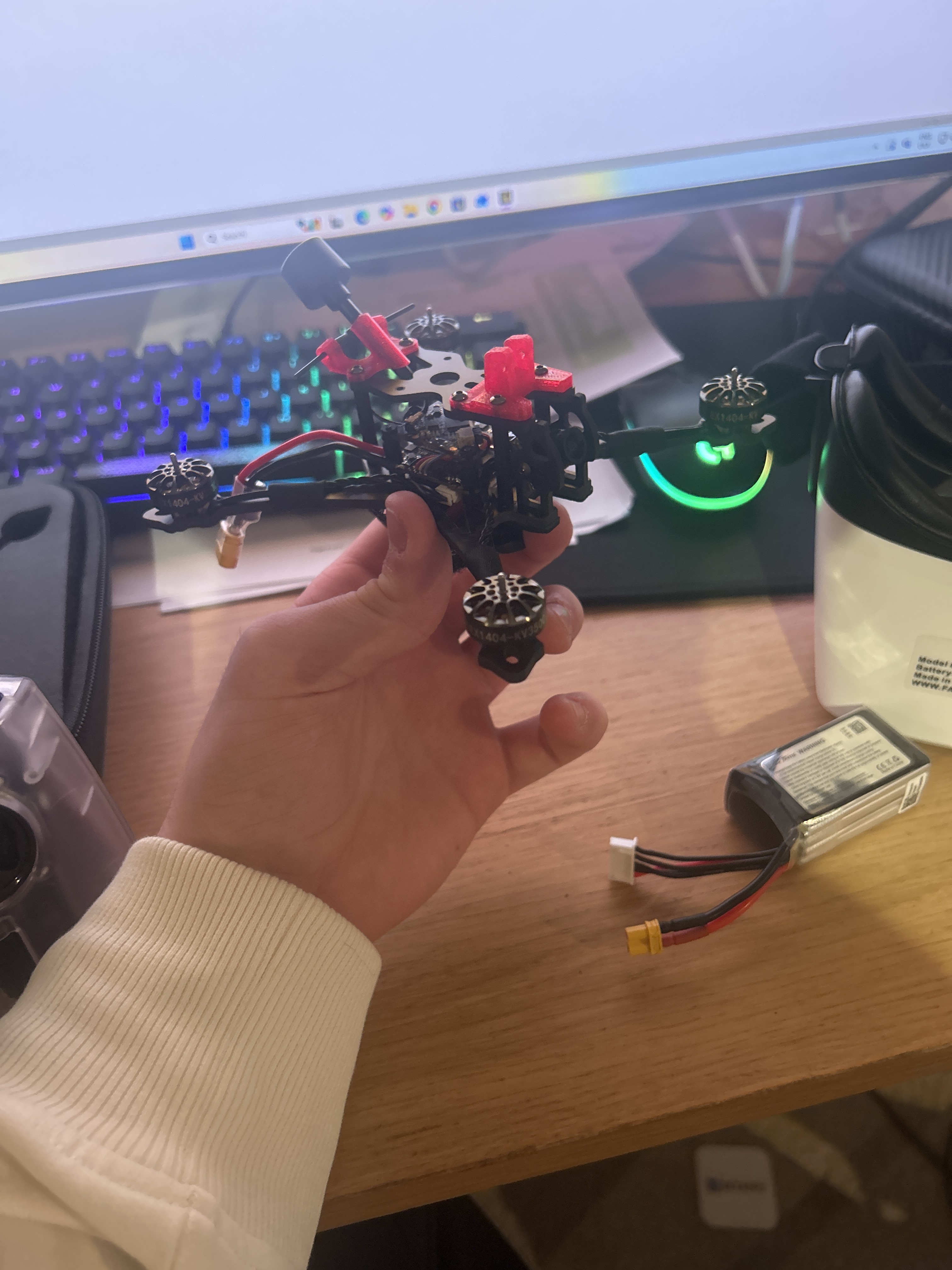
The video cut out mid flight to a black screen on my fourth flight of my brand new crux 35. I had to disarm and it landed upside down, however as i was going slowly at about 3-4 feet from the ground the drone is okay. But i when i picked it up the video was still black and i am still unable to get video. There is no OSD however when i unplug the quad the video in my goggles goes back to static.
I have tried going the all the channels and ensuring that all cables are plugged, but i cannot see video still
Hi Benedict,
Thanks for reaching out about your Happy Model Crux 35—no OSD and black video in your FPV goggles is frustrating, especially on just the fourth flight. Good news: the drone flies fine, and static returning when unplugged points to a video chain issue (camera, VTX, or connection) rather than your goggles.
Safety first: Always remove props before bench testing to avoid injury.
We’ve seen this commonly on 1S whoops like the Crux35—often voltage drop, channel mismatch, loose wires, or a faulty camera/VTX. Here’s how to diagnose safely:
- Check VTX basics: Power up (no props, fresh 1S LiHV battery >4.0V). Note VTX LED color (solid = good). Cycle channels on VTX button and goggles—does signal change?
- Betaflight check: Connect FC to PC via USB. In Configurator (10.10+), go to VTX tab: ensure device enabled, channels match goggles. OSD tab: enable if off. Save & test.
- Inspect wiring: Check camera cable/ribbon to FC, solder joints for cracks (photo underside please). Test battery voltage under load.
- Advanced (if comfy): Measure 5V pads on FC if multimeter available.
Please reply with:
• Results/videos of above steps (VTX LED, BF screenshots, voltages).
• Your goggles model & battery used.
• Close-up photos of drone bottom/solders.
Order #15976708001526 wasn’t in our recent records—can you confirm purchase date/email for warranty check? HappyModel offers 180 days; if fault confirmed, however since the drone was working and it has since been flown they may claim that this issue is caused by a crash, even if it was just on the 4th flight, but hopefully they will help, andwe’ll pursue RMA.
We’ll get you flying again soon!
Best,
Primary Support Agent
Unmanned Tech UK
Hi, thanks for replying. The video has come
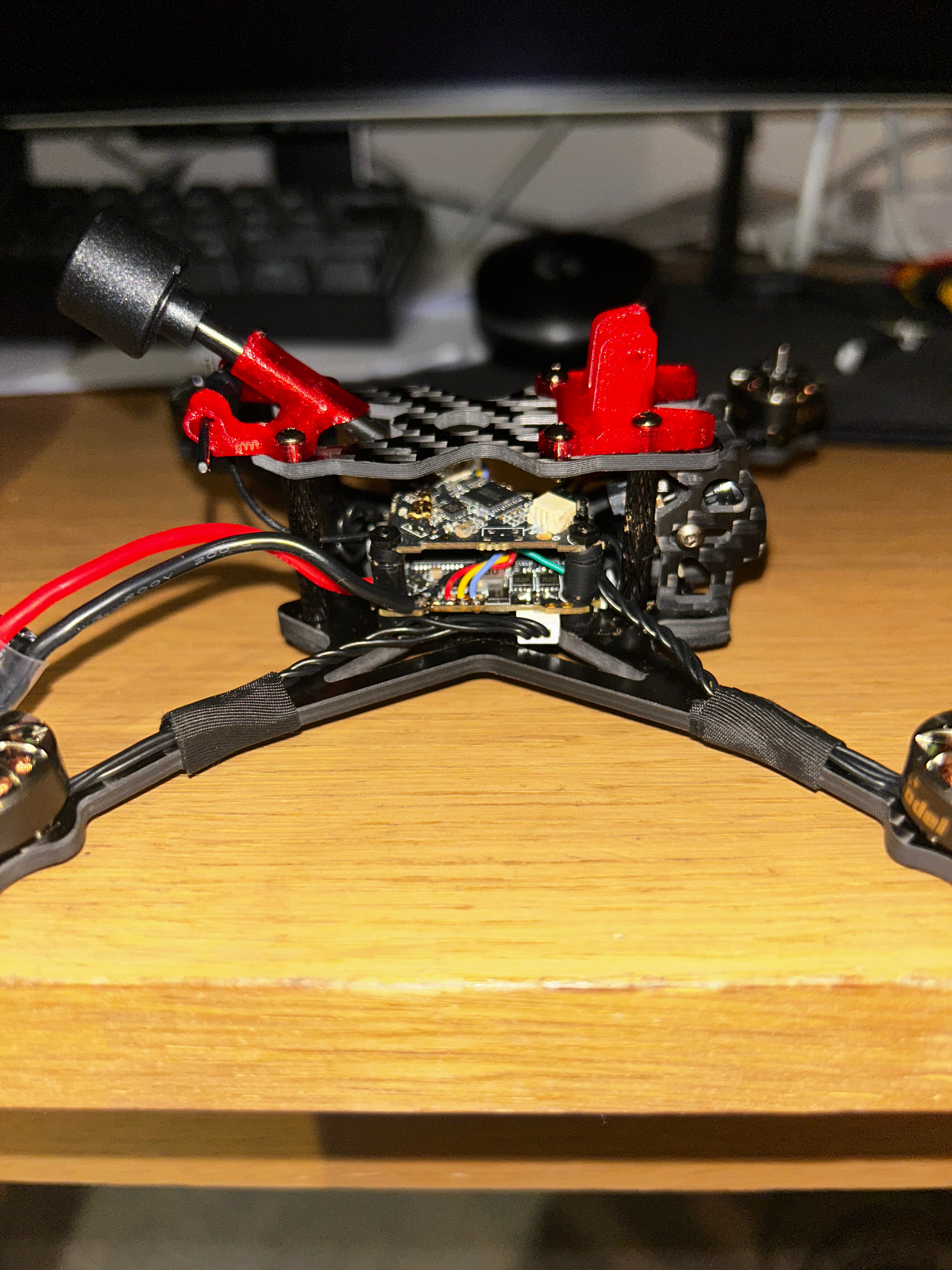
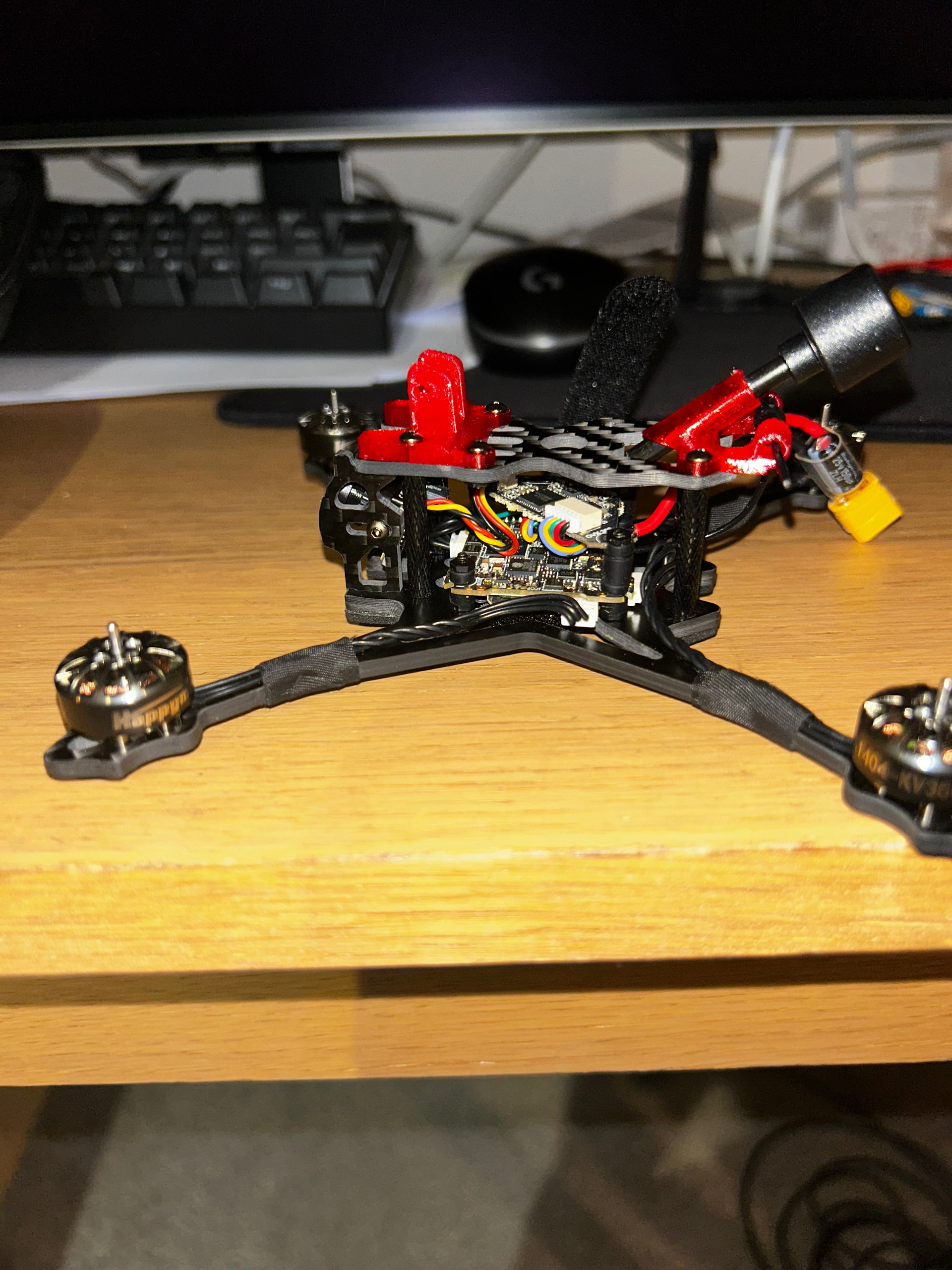
back, except now on channels it should not be and will change channels when powercycled, and complete cut to static then returning when just sat on the bench. and there is a solid light on the VTX. All of the soldering and plugs look okay. (i have very little knowledge on soldering so i will supply images for a second opinion. i tried to send a video of a solid red light on the vtx which is what i am assuming is the power light. However, it will not let me send as i am new user.
Thanks for the help!
Ben
Hi Ben,
Thanks for the update and photos—your soldering looks good, no obvious issues. Good news the video’s back intermittently, but the wrong channels on power cycle, static cuts, and solid red VTX LED suggest a VTX configuration reset or power delivery glitch (common on 4S setups like the Crux35).
Safety first: Remove props for all bench tests. Use a fresh 4S LiPo (>15.2V / ~16.8V fully charged).
Next Steps (props OFF):
- VTX Basics: Note exact VTX model. Short-press button to cycle channels—does signal change in goggles? Power cycle 3x, track channels/LED.
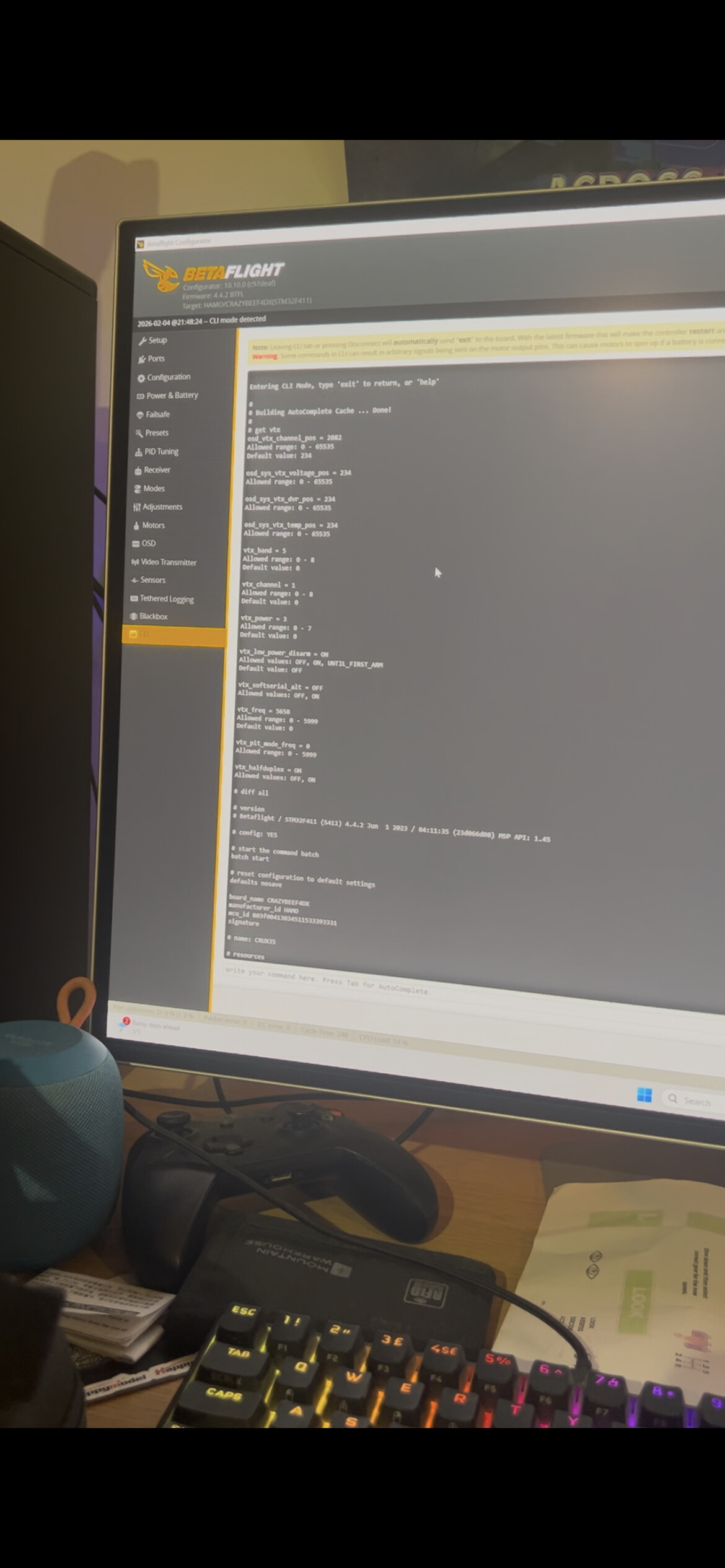
- Betaflight Check: USB to PC, Configurator. VTX tab: Device detected? Set band (e.g., Race 1), channel 1, 25mW—save/reboot. CLI:
get vtx&diff all—share screenshots/output. OSD tab: Enable, add voltage/timer. - Voltage Test: Fresh 4S LiPo. Monitor VBAT in BF (>15V rest, >14V light throttle).
- Goggles/Battery: Model? Exact channels scanned. Battery specs (mAh, C-rating)?
Share results, BF screenshots, goggles model, battery details, bench video if possible.
Order #15976708001526 not in our records, please can you confirm purchase date/source for warranty?
Best,
Primary Support Agent
Unmanned Tech UK
Hi, sorry for the late reply. The Order code i gave you was the shopify one, sorry! My unmanned tech order code is Order 7326.
Also, when i have gone to test the drone tonight, both video and OSD is back, however i have not flown it, as i am worried it may cut out again.
I cannot see any buttons on the , please could you identify which buttons i need to press on the drone to change them.
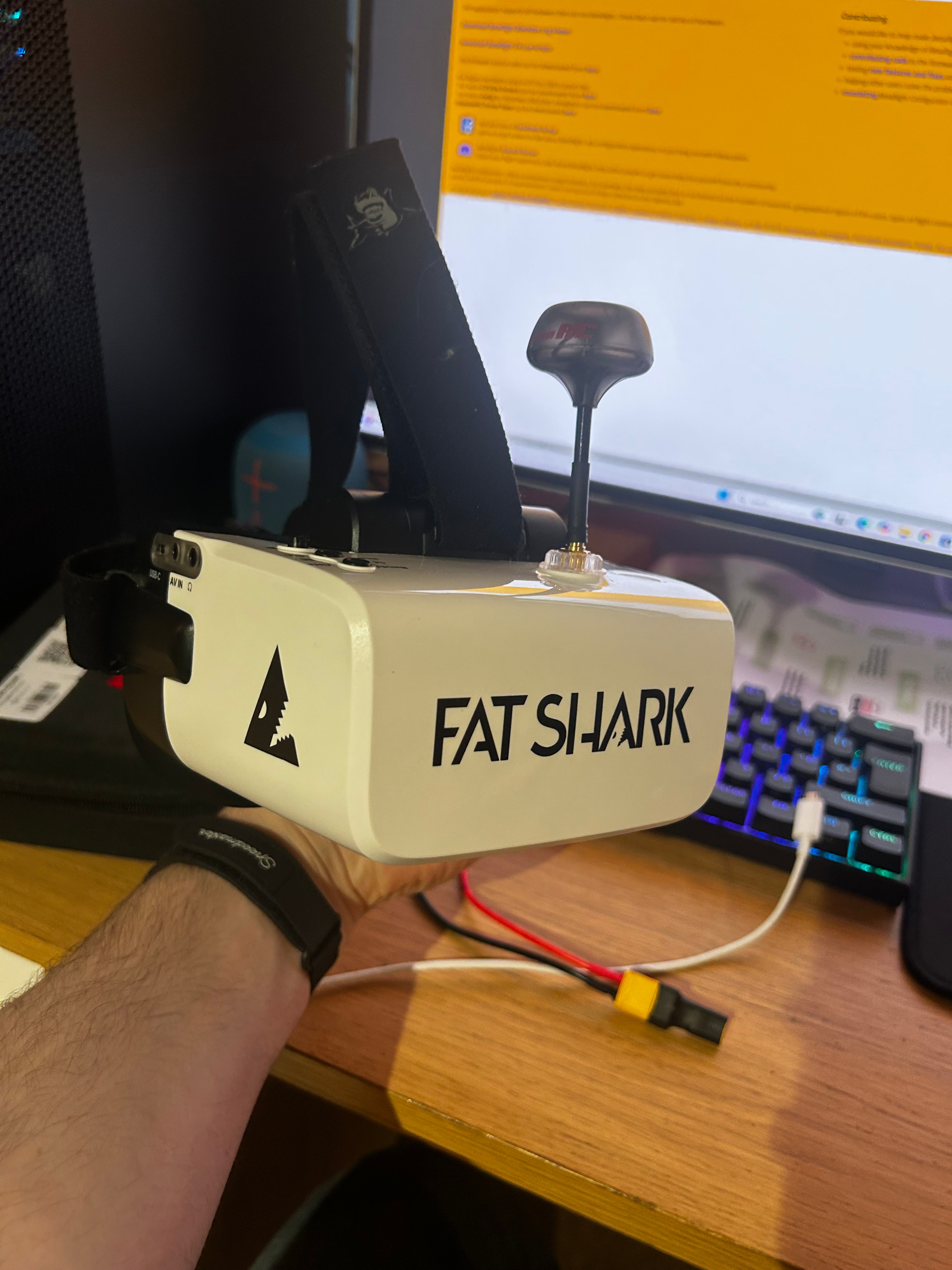
For my battery, i am using the Tattu R-line 4s 450mAh 90c batteries. And for my goggles i’m using the Fatshark scouts.
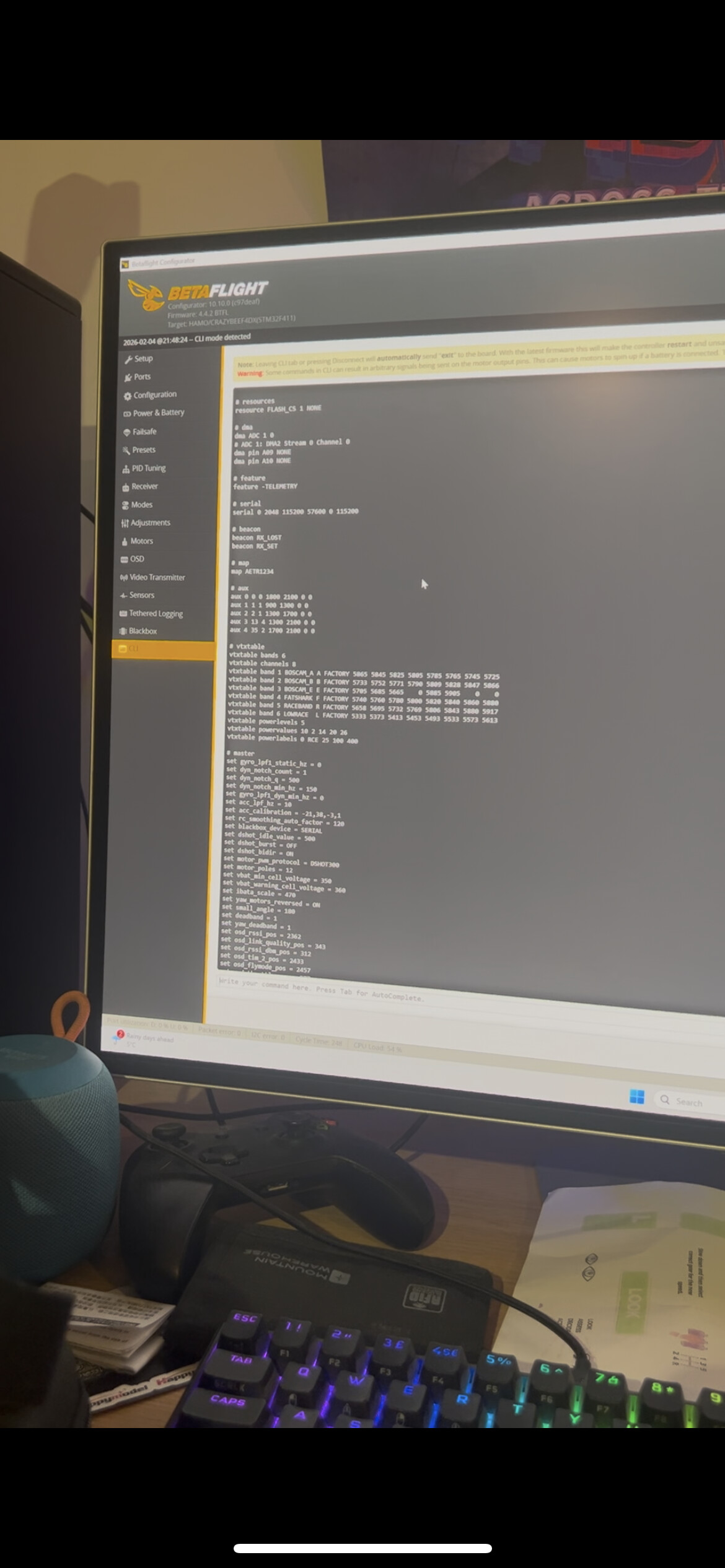
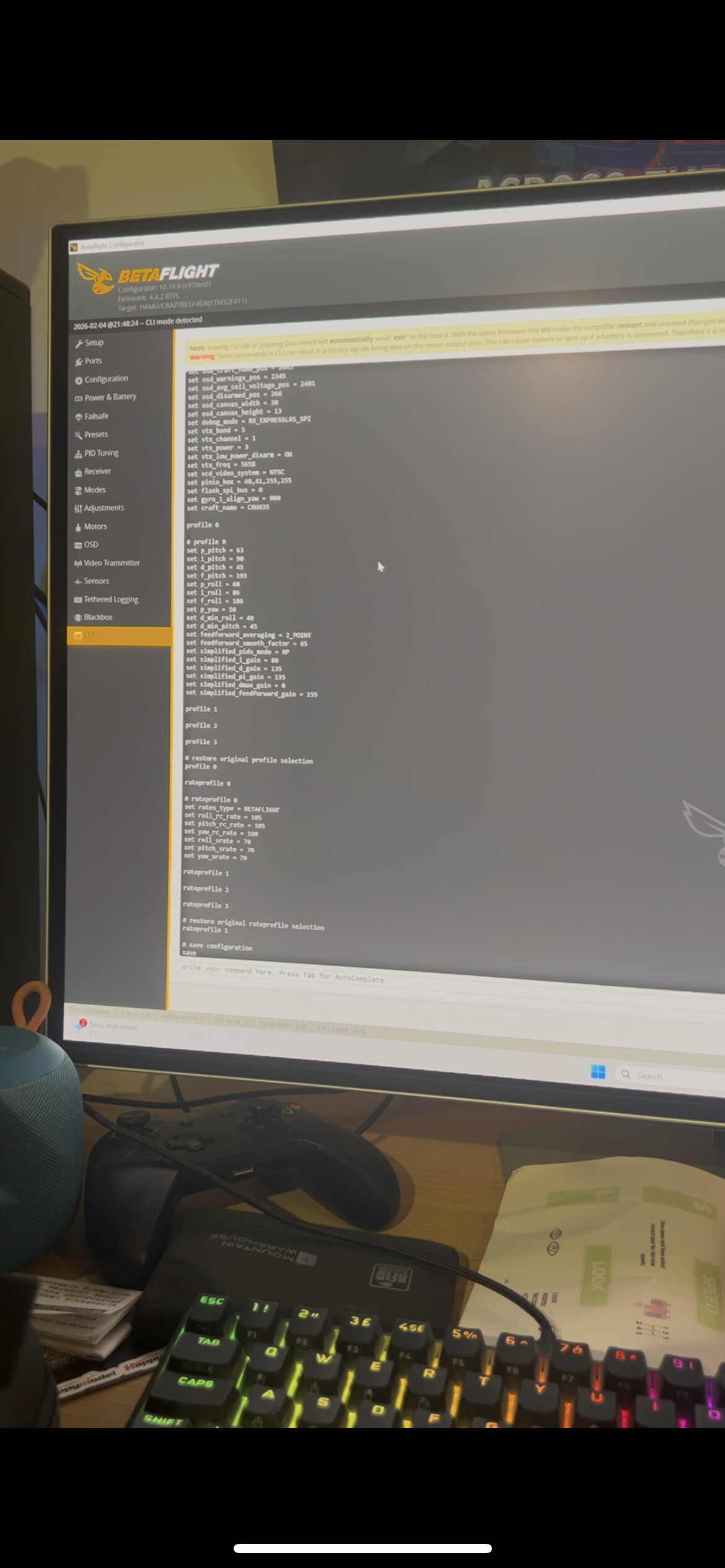
I put get diff and get VTX into CLI and will provide the video below.
Thanks for the help!
Ben
Hi Ben good day,
Princess asked me to take a look at your ticket, this I would say is an intermittent issue on your VTX, these are a real pain, as like you have said, you are now hesitant to fly the quad incase your video drops out.
Would you mind returning it to us so we can take a look at it and see what we can do?
Let us know and we can action it for you.
Best,
David
Unmanned Tech UK