This is a companion topic for our recent blog post on blog.unmanned.tech
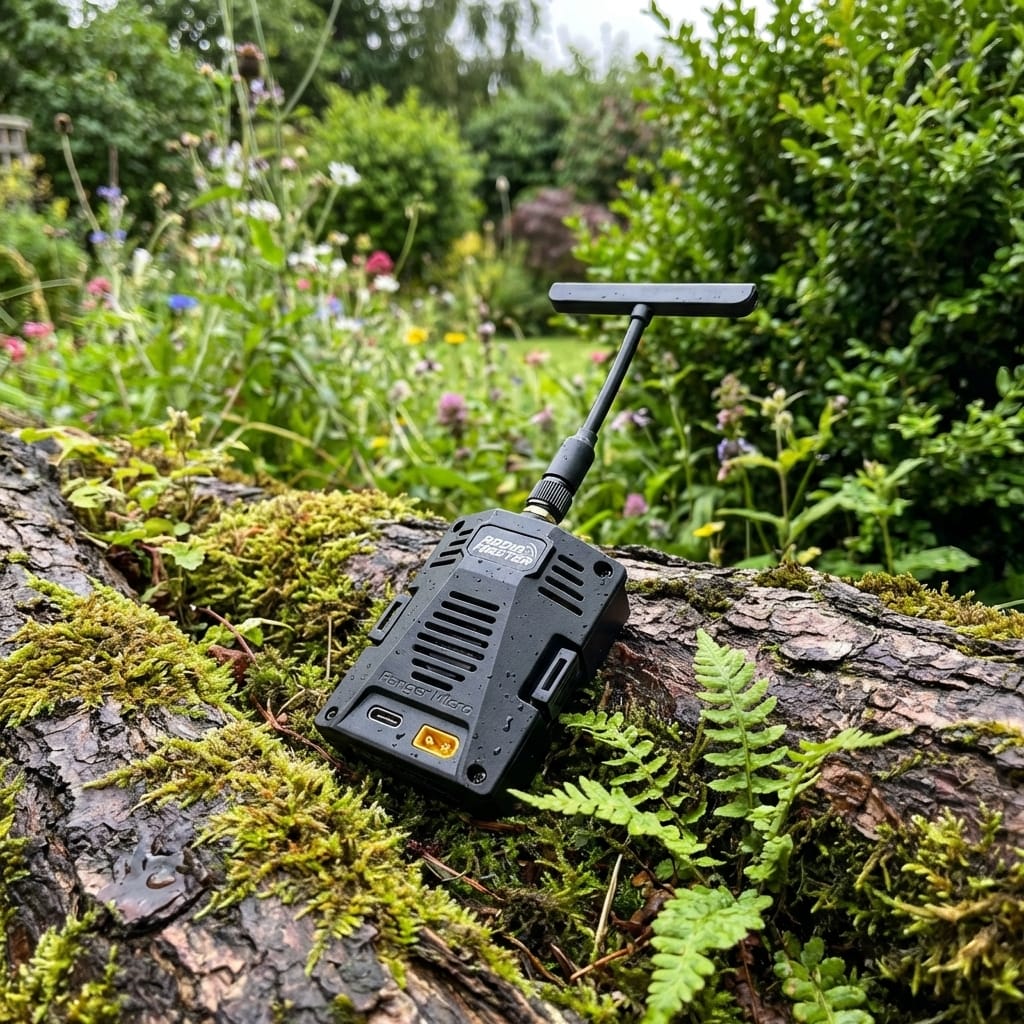
Updating your ELRS backpack on the RadioMaster Ranger Micro just got a smidgen easier, thanks to the miraculous powers of USB. If you’ve been wrestling with compatibility issues or wondering why your Uav isn’t quite living its best life, this method will get that pesky firmware sorted (1.5+ is the magic number).
Simply power up the Ranger Micro via USB, fire up the ExpressLRS Configurator, and select the backpack option. From there, pick the pass-through method, choose the right COM port, and hit Flash. Voilà! Your backpack should now be as up-to-date as your favourite pub’s beer selection—just make sure to double-check that it matches what the Configurator claims, or you might find yourself in a bit of a pickle.
Before you embark on this journey, just ensure you have the essentials: a Micro USB cable, the Configurator installed, and a good dose of patience. If things go awry, fear not; typical troubleshooting applies—check those COM drivers, and if all else fails, resort to the ancient art of Wi-Fi updates (if your backpack’s firmware is feeling generous).
For the full rundown, including a step-by-step guide and potential pitfalls, have a gander at our latest blog post. You’ll be updating like a pro in no time.
Read the full post over at: