This is a companion topic for our recent blog post on blog.unmanned.tech
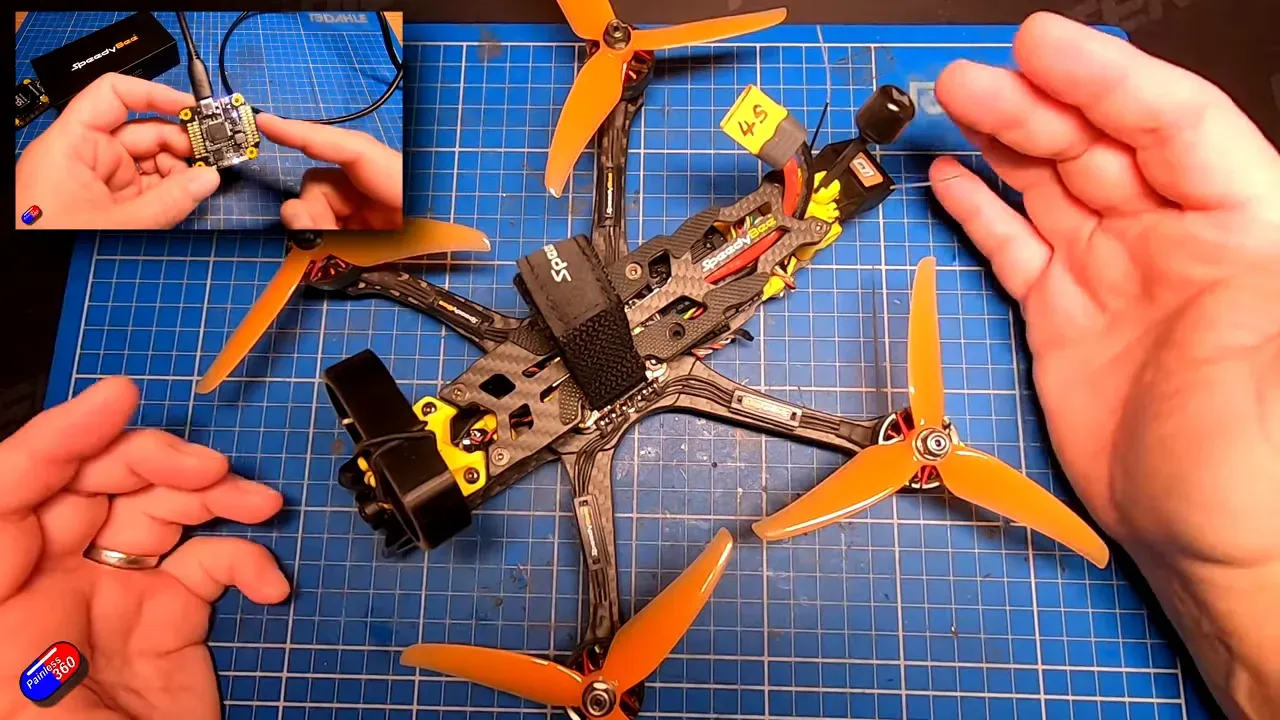
So, you’re still clinging to Betaflight like it’s your favourite pair of socks? Well, Painless360 makes a compelling argument for breaking out of that comfort zone and giving INAV 8.0 a whirl, especially if the thought of losing your precious HD gear sends shivers down your spine. This not-so-quick guide will walk you through converting your SpeedyBee quad, prioritising GPS and return-to-home features that actually work—no more guessing games when it comes to flying home.
You’ll want to make sure you’ve got a compass fitted and aligned; otherwise, don’t expect INAV to pull any miracles. It’s all about sanity checks—ports, receiver, motors—because nothing screams “I’m a professional” like forgetting to enable motor outputs before you arm the quad. Calibration? Yes, please. The six-point accelerometer calibration might feel like a workout, but it’s well worth it when you want your quad to play nice with its new navigation features.
Flashing the firmware is as straightforward as a cuppa (provided you remember to back up your settings first). Once you’ve navigated through the flashing process and initial setup, you’ll get to the juicy bits: configuring modes, failsafe settings, and OSD for your HUD needs. A few flicks of your switches and you’ll have it set up faster than you can say “gotcha,” allowing you to focus on the actual flying rather than fretting about whether your drone will decide to take an unscheduled holiday.
For the full, unfiltered walkthrough, complete with CLI commands and all the fun bits, watch Painless360’s original video here:
Give it a go, and you might find yourself wondering why you didn’t switch sooner. Cheers!
Read the full post over at: