https://cdn.getmidnight.com/8aee729bc77d09ed01e86b375983212f/2025/10/0fcb282d-6bc6-4857-8b63-0906b3c9fa1d.svg
This is a companion topic for our recent blog post on blog.unmanned.tech
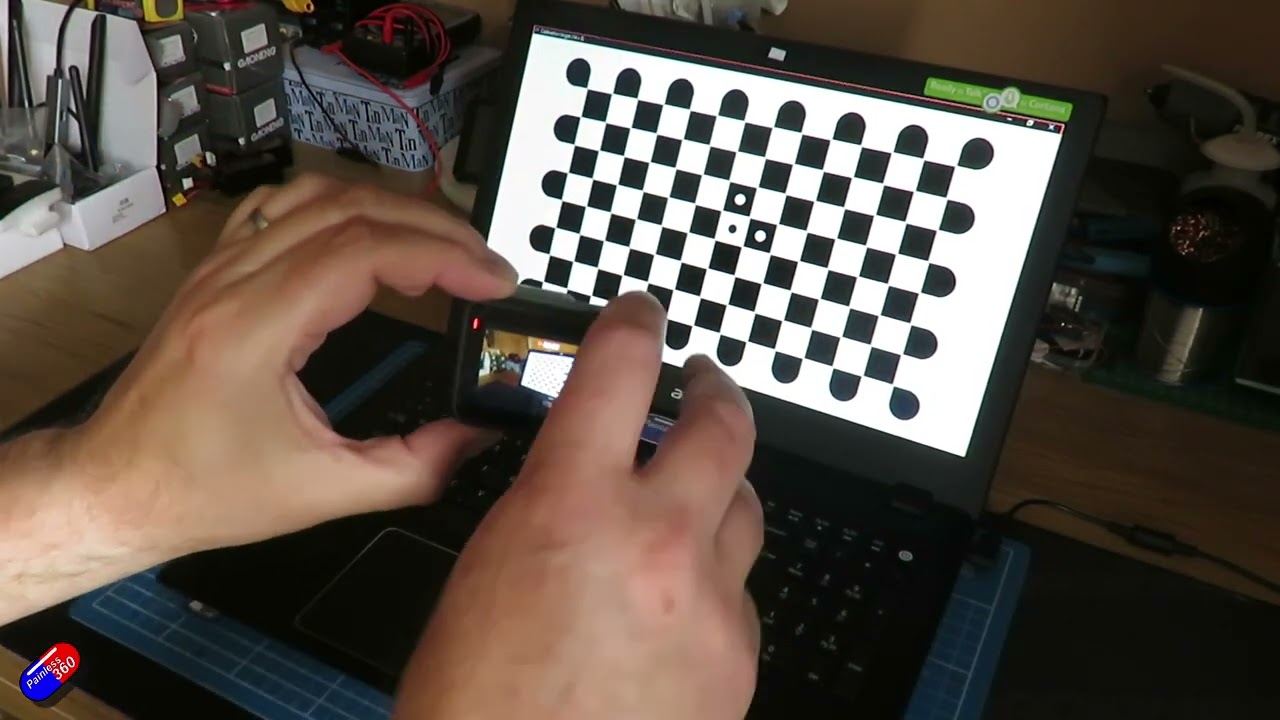
Creating custom lens profiles in Gyroflow is akin to taming a particularly unruly pet: a bit of patience and the right methods can transform chaos into something marvellous. In our latest blog, Painless360 takes you through the straightforward yet oft-frustrating process of erasing that ghastly fish-eye distortion from your action cam footage. You’ll learn why shooting a checkerboard pattern (and not your mate’s face) yields results that are not just “okay” but quite frankly, professional.
The gist? Grab a minute or two of checkerboard footage from various angles, let Gyroflow work its magic by auto-generating a profile, and voilà—you’re on your way to footage that doesn’t resemble a bad CGI effect. Of course, some tips are sprinkled throughout, like avoiding curved monitors (no cheating here) and ensuring decent lighting, because who likes a good shot ruined by reflections?
While pre-made profiles are tempting, nothing beats the satisfaction of knowing your creation is tailored to your exact setup. So go ahead, make those lines straight, save your profiles sensibly (because “final-final” tends to confuse), and consider sharing only when you’re fully satisfied.
Naturally, if you fancy a move away from complexity, do check out the existing profiles in Gyroflow’s library—it could save you a headache or two. Just remember, a little effort goes a long way in making your footage look less like a distorted funhouse mirror and more like a masterpiece.
Read the full post over at: