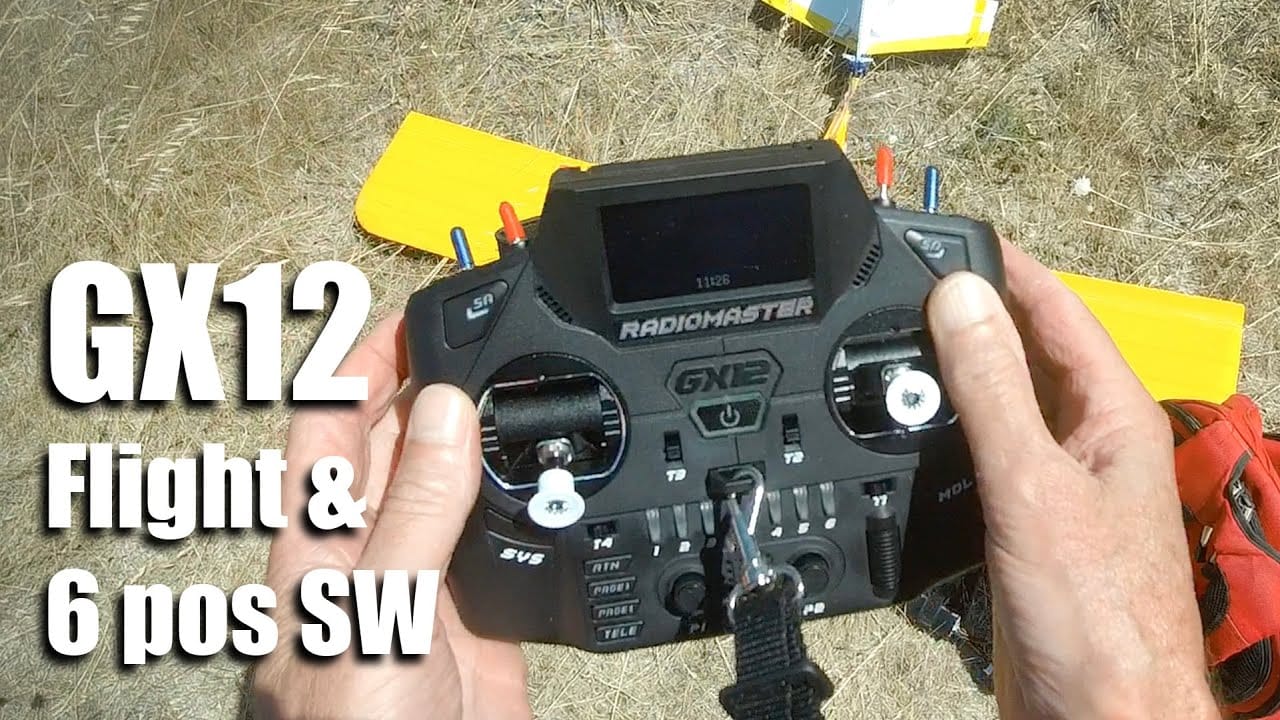
This is a companion topic for our recent blog post on blog.unmanned.tech
Ah, the joys of flying your drone without having to rethink your entire control scheme mid-air. Our latest blog post delves into the art of setting up Ardupilot Flight Modes with the Radiomaster GX12. The idea is simple: fewer programming headaches means more time for aerial mischief.
You’ll find that the GX12’s solid build and cheeky switch options allow you to create up to six custom positions or even momentary switches. Fancy a quick toggle between flight modes? Just map your custom switches on the Mixers page, and voilà—you’re sorted. Oh, and don’t forget the LED colours; because clearly, flipping the wrong switch while plummeting towards the earth is so last season.
For those who enjoy a bit of group fun, creating switch groups lets you configure how they interact. Whether you want them always-on or remembering their last state, it’s almost as if the radio has a personality of its own (albeit a rather straightforward one).
To top it all off, we’ve included some handy FAQs to address the inevitable questions that pop up, such as pesky polarised sunglasses interfering with your view of the screen. After all, who hasn’t experienced the joy of squinting at a blank screen?
For further enlightenment, watch our setup video here:
Read the full post over at: