Order Number: 5644
Product Name: Radiomaster Rp3 V2 Expresslrs 2.4ghz Nano
Brand: RadioMaster
The receiver will not pair with any of my transmitters, it flashes at an abnormal speed and also does not go into the wifi pairing mode after 1 minute of inactivity. Almost certainly faulty
I have flashed and erased multiple times using wifi and uart. I have tried multiple different transmitters and pairing approaches (binding phrase, betaflight pairing etc)
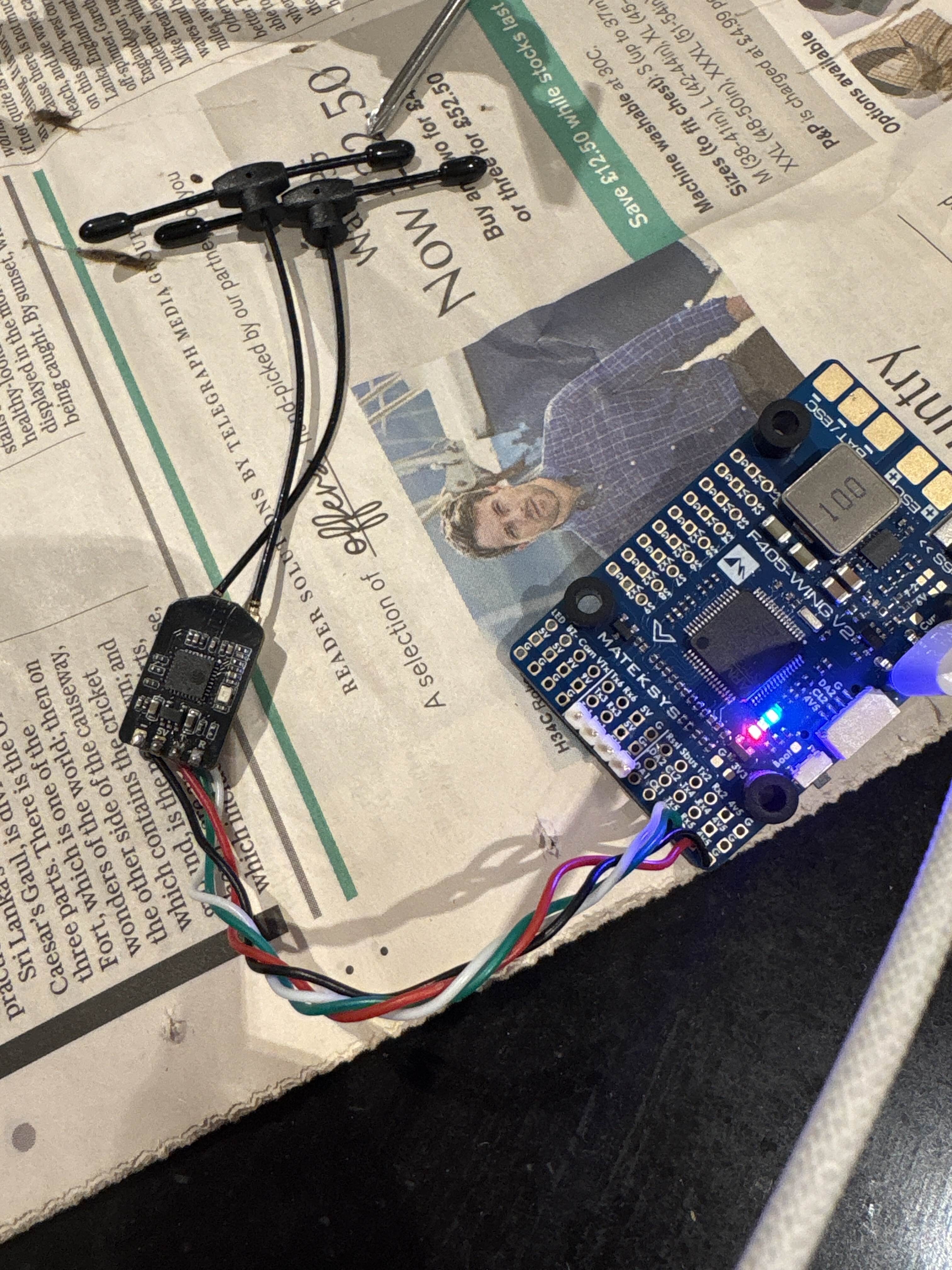
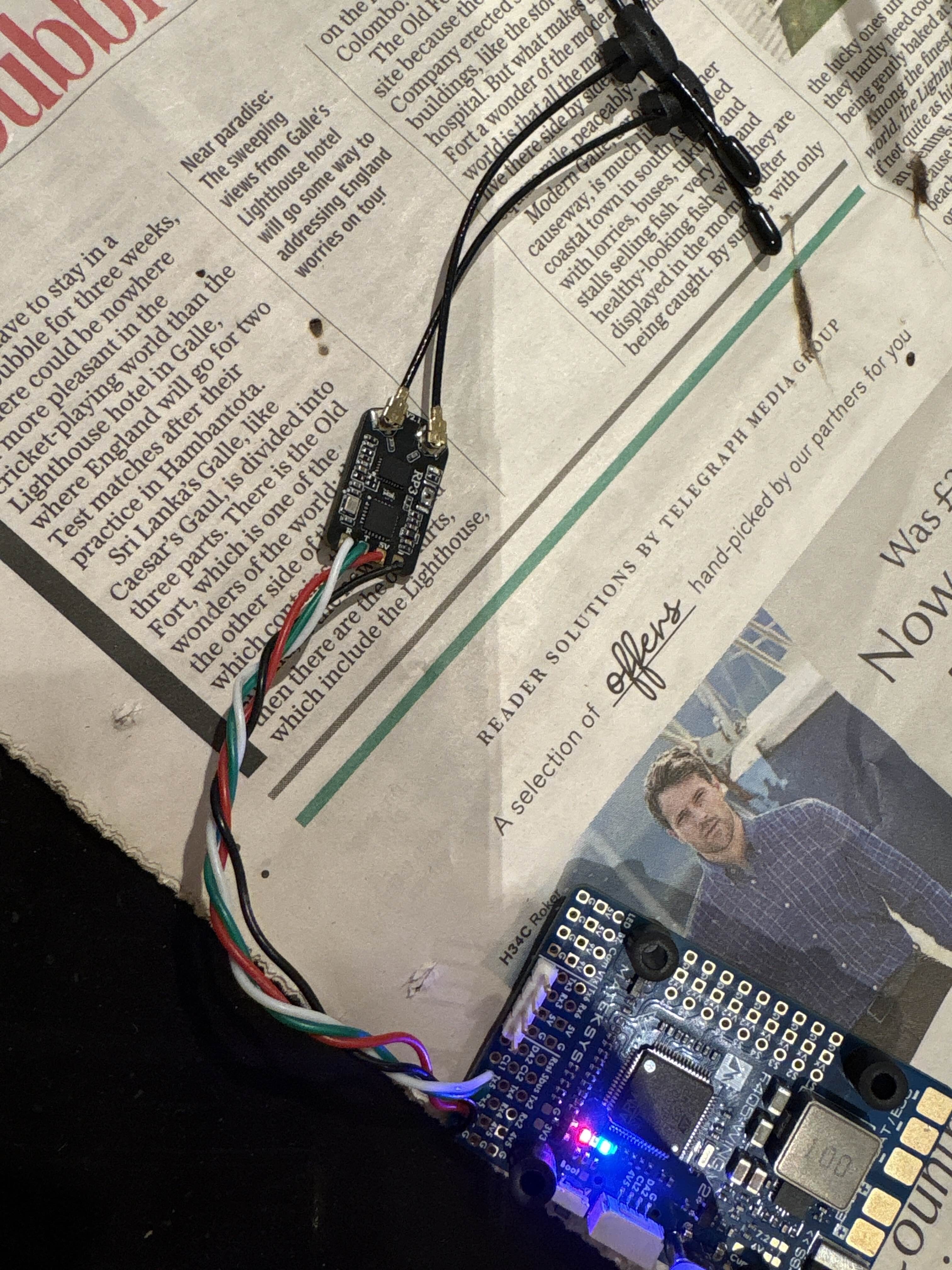
Thanks for reaching out about your Radiomaster RP3 V2 ExpressLRS 2.4GHz Nano receiver (Order #5644) and for the detailed info, photos, and video, they really help! Sorry to hear it’s not playing ball; we’ve seen similar symptoms before, and while it looks suspicious for a hardware issue (like the RF chip not being detected), it’s often fixable with a couple more precise tests before we can confirm its indeed a hardware fault and not just a firmware/config issue.
-
First, a quick standalone power test (super important): Disconnect it completely from your flight controller. Power it only with 5V and GND (from a BEC, USB checker, or stable 5V source). Record a video showing LED behaviour if its odd
-
Normal: Slow green blink (searching for bind) → after ~60s, fast red blink (WiFi mode). Connect to SSID ‘ExpressLRS RX’ (pass: expresslrs) at 10.0.0.1.
If the above is not normal, then the next step is to confirm what firmware version, and target you used then trying to flash. As using the wrong setting, or an error mid firmware flash is almost always the cause for problems like this as I myself had this exact same issue that you described about a week ago. The only way I could recover was to use a ELRS FTDI firmware recovery dongle to reflash the firmware. More info about that can be found here - Unbricking - ExpressLRS
Finally as for the unit not entering wifi, again if its got the wrong firmware/config on it this will not happen, but once you have installed the firmware and the LED seem to be working normally you can also push and hold the boot button for around 7 seconds to enter wifi mode faster. Assuming you are on ELRS firmware (v3.4+)
| Hold time | Action | LED behavior |
|---|---|---|
| ~2s | Bind mode | Double blink |
| ~7s | Wi‑Fi mode | Slow blink |
| ~15s | Factory reset | Rapid blink / reboot |
Hope that helps!
Hey Alex, thanks for getting back to me. The video attached in the original post shows a video of the LED odd behaviour at a weird frequency. I have reflashed it again with RP3 firmware but no luck including a reset as suggested by people on the ELRS discord. I also tried an ELRS FTDI firmware recovery to reflash the firmware via UART but this was also unsuccessful. Yes I am using v3.4+. I am able to get it to flash by pressing the bind button yes but it doesn’t go into that mode naturally which I am aware it should. For reference, it has only ever been flashed with 3.5.0 firmware. I also have a second one borrowed from a friend, and this binds with my transmitter verifying it is not a transmitter issue. Is there anything else you’d like me to try?
Many thanks,
Ben
Hi,
It would be great if I could get a refund processed for this.
Many thanks,
Ben
Hi Ben good morning,
I’m jumping in to try and get this sorted out for you ASAP.
Please can you return the unit and we can get the rest of it sorted out for you.
Thank you for submitting your return request. An RMA (Return Merchandise Authorization) has been created for your order.
You should receive an email shortly at the address associated with your order. This email will contain:
-
Your RMA number
-
A link to our RMA form
-
Instructions for completing the return process
Please check your inbox (and spam folder) for this email. If you don’t receive it within the next hour, please let us know here.
Remember to complete the RMA form and initiate your return within 30 days. If you have any questions, feel free to ask them in this thread
Regards,
David
Unmanned Tech Support