https://cdn.getmidnight.com/8aee729bc77d09ed01e86b375983212f/2025/08/e4225ccf-8981-43b7-a621-aee1a0c33a10.svg
This is a companion topic for our recent blog post on blog.unmanned.tech
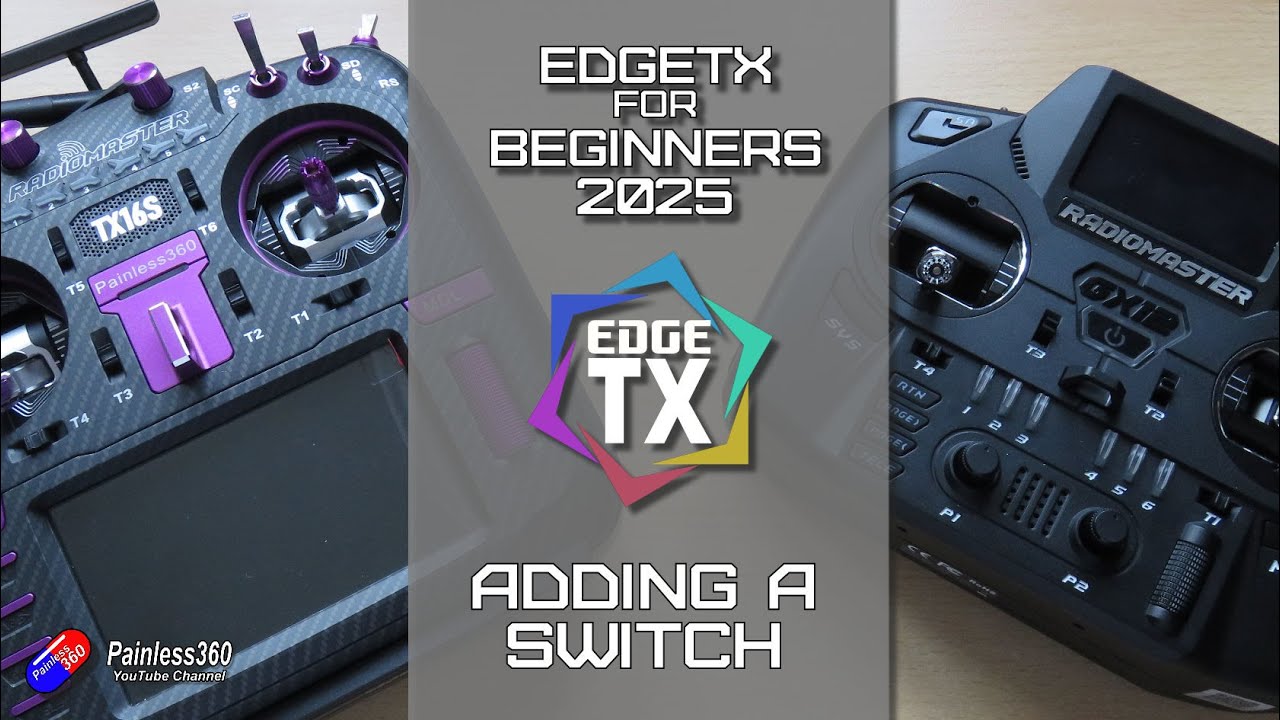
Getting to grips with your radio transmitter can feel a bit like trying to decipher the London Underground map at first: confusing, yet strangely satisfying once you figure it out. Our latest blog post dives into the delightful world of EdgeTX radios, particularly how to add a channel control switch on your Radiomaster TX16S, courtesy of the ever-reliable Painless360. If you’ve been swimming in the seas of FreeSky, Futaba, or Spectrum, or are simply dipping your toes into this hobby, fear not — this guide has got your back.
Why bother adding a switch, you ask? Well, it’s not just for show. Imagine having instant control over your model’s lights, landing gear, or flaps, all thanks to a simple flick of your wrist. The good news is that adding a switch isn’t rocket science; it’s more akin to making a decent cup of tea — straightforward, but immensely rewarding once you’ve nailed it.
Painless360 walks you through the steps, from selecting the source control to naming your channel (because let’s face it, “Arming” is far better than “Channel 5”). And if you fancy keeping an eye on your new switch while airborne, you can even set up an output widget on your telemetry screen. Yes, it’s all very clever indeed.
If you’re keen on expanding your skills further, there’s a treasure trove of resources in Painless360’s EdgeTX for Beginners 2025 series, perfect for those looking to elevate their flying experience. For those who prefer a visual learning method, don’t forget to check out the video here:
Read the full post over at: