This is a companion topic for our recent blog post on blog.unmanned.tech
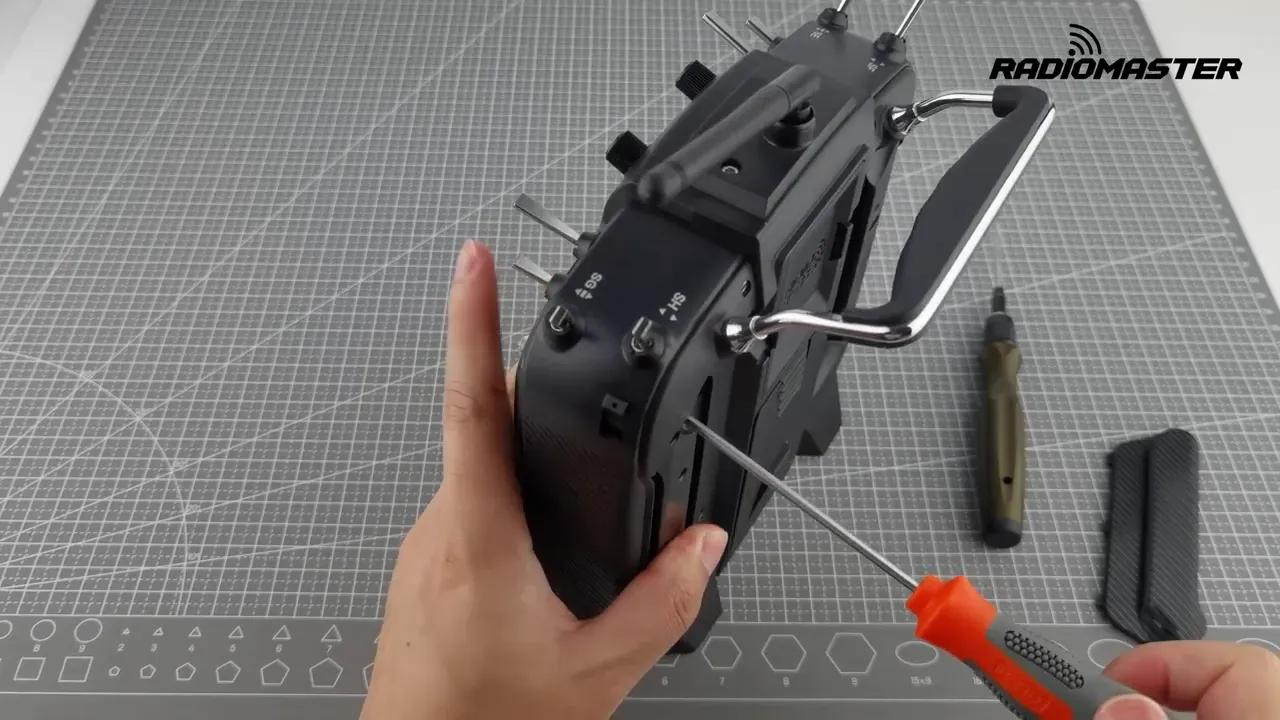
Changing your RadioMaster TX16S MKII from Mode 2 to Mode 1 isn’t as simple as a cheeky menu tick; it requires a bit of mechanical and software wizardry. You’ll need to swap the throttle behaviour to the right gimbal, adjust some screws, recalibrate, and pray that you don’t end up with a radio that thinks half-throttle is just an ambitious suggestion. Thankfully, all you’ll need are a 1.5 mm hex driver and a Phillips screwdriver. No soldering, no mystery screws rolling under the bench—unless, of course, you have a knack for that sort of thing.
The essential steps? Start by adjusting the gimbal screws: get the left stick self-centring again while disabling it on the right. Then move to the back and fiddle with the tension and ratchet. Finally, change the mode in the software and run the calibration. You’ll want to do this with all the grace of a ballet dancer—slow and deliberate motions earn you clean results.
After your handiwork, check the channel monitor to confirm everything is peachy. If the endpoints or centres look a bit wonky, recalibrate lest you find yourself flying a model that thinks your “full throttle” means “let’s just dawdle about.”
For those considering whether it’s worth switching to Mode 1 rather than splashing out on a new radio, rest assured that if the TX16S fits you like a well-tailored suit, this conversion is a doddle and much less painful than a full replacement.
Read the full post over at: