Order Number: 10188
Product Name: Modula 8
Brand: HappyModel
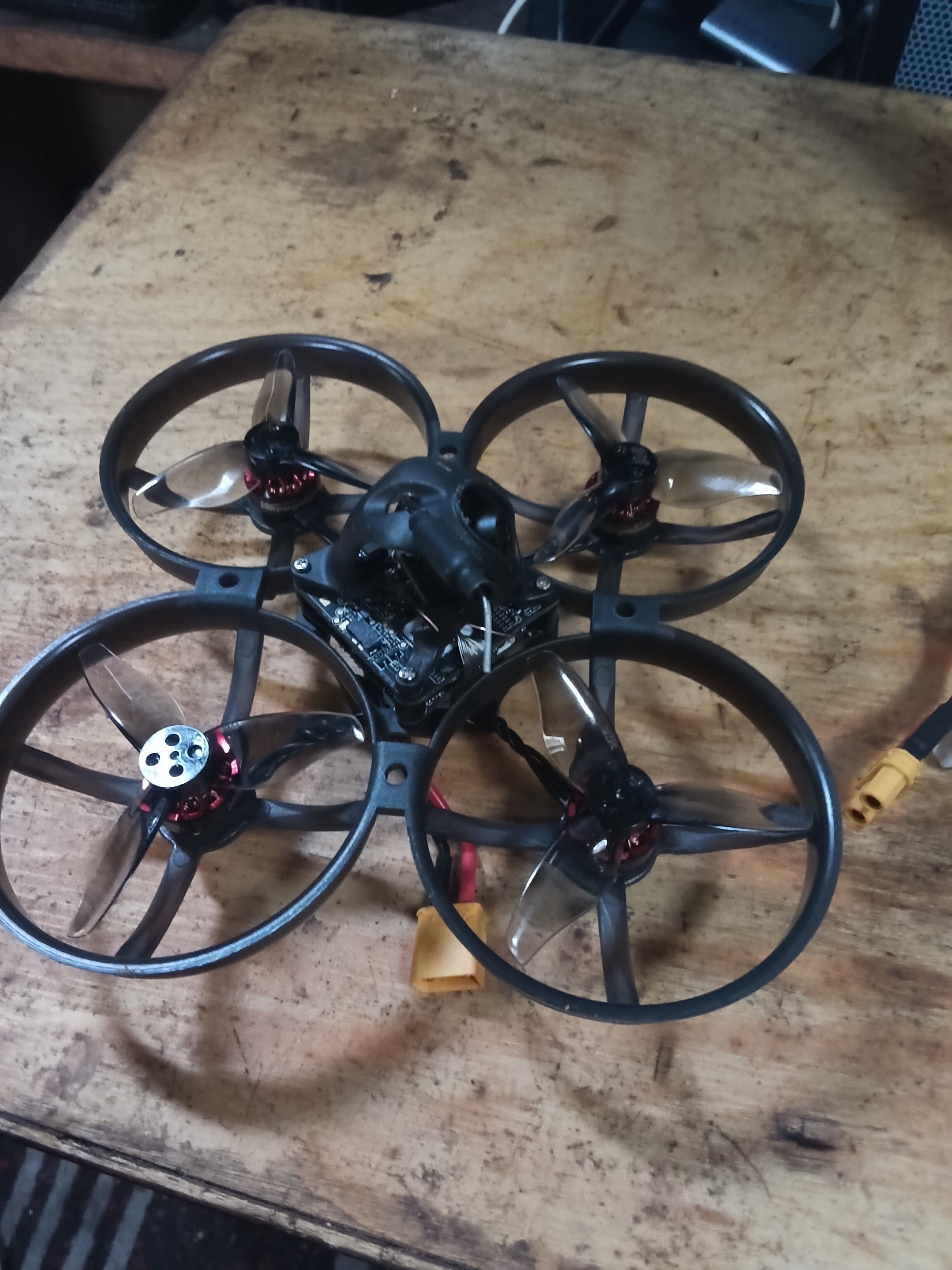
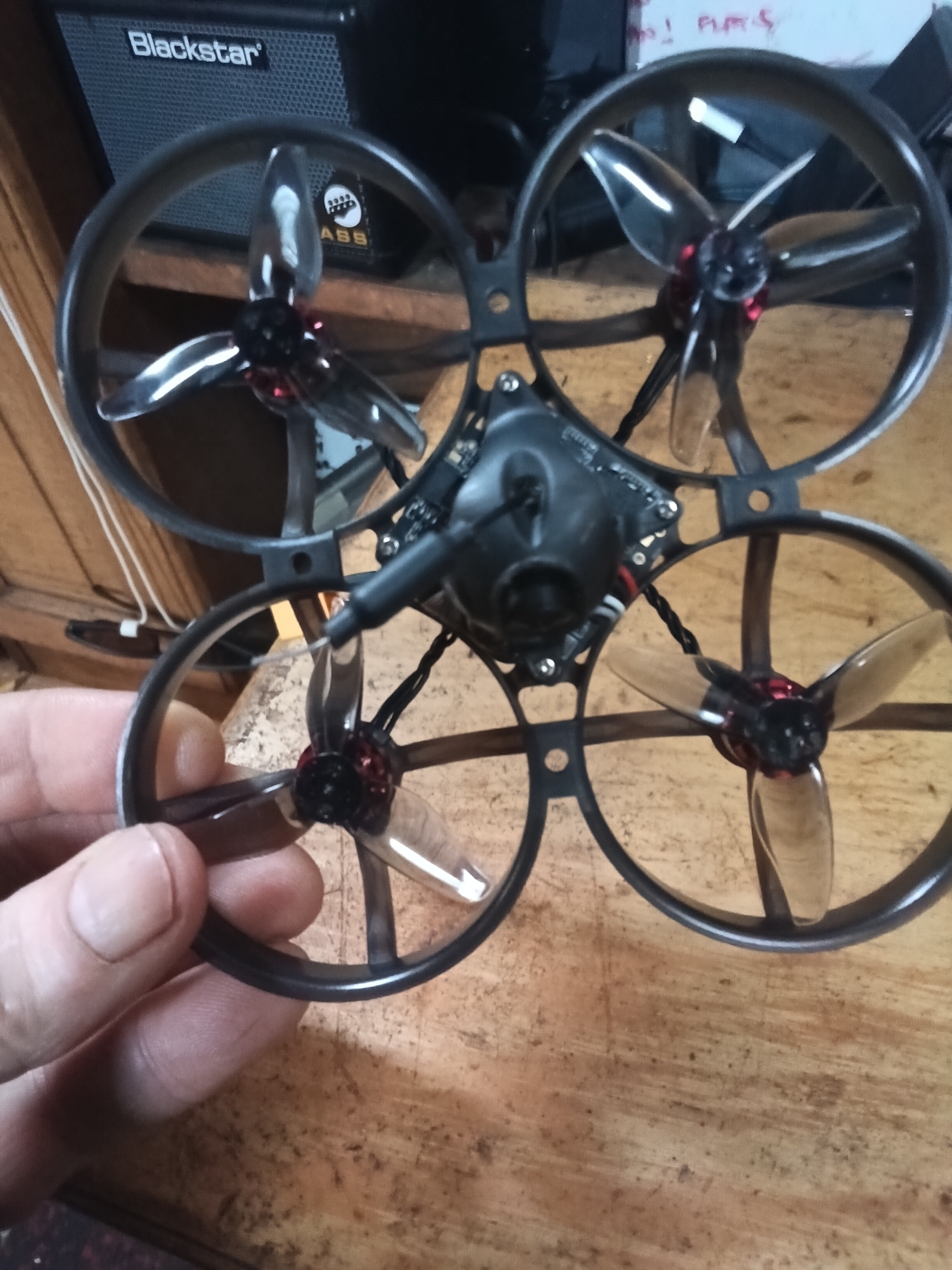
Cannot bind drone shows green flashing light on startup recognised as camera connection faulty.
Flashed latest firmware to drone and goggles avatar hd L
Hi
Could you please clarify what you mean by you cannot bind drone… Is this you cant bind your drone to your ELRS radio, or you cant bind the goggles to the VTX?
Either way please confirm what firmware you have loaded onto the FC / VTX / Goggles / Radio etc.. so we can further help you to diagnose the issue as its most likely a configuration mismatch causing this.
Kind Regards
Unmanned Tech Support
Hi
I believe the avatar L should buzz when being bind. The only sound is the fans no buzz/bleep
Bob
Hi Bob,
Thanks for the extra detail — that really helps narrow things down. I’ve done some digging into this and have a few important points and next steps for you.
About the buzzing/beeping: The VTX itself does not have a built-in buzzer, so hearing only the fans is actually normal. The beeping you’re expecting comes from the goggles, not the VTX. So no beep from the drone itself doesn’t necessarily mean it’s faulty. The beeping will only start after you press the Link button on the goggles (after pressing the link button on the VTX itself).
https://www.youtube.com/watch?v=_CLCUWkHMnc for how to bind the goggles L to your VTX.
About the green flashing light: The green LED on the Mobula 8’s flight controller is actually the ELRS receiver status indicator, not a camera fault light. A slow green flash just means the ELRS receiver hasn’t linked to your radio transmitter yet — this is completely normal on startup. The VTX has its own separate LED that communicates video system status. See https://www.expresslrs.org/quick-start/led-status/. YOu need to first make sure your Radio has the same firmware version that is on your Mobula 8, and then enter bind mode on the drone and radio.
To help us properly diagnose the issue, could you please check the following:
- VTX bind button test: When the drone is powered on, locate the small bind button on the VTX module itself and press it. Does the VTX LED change from flashing green to solid red? This tells us the VTX is entering bind mode correctly.
- VTX firmware vs FC firmware: You mentioned you flashed the latest firmware — can you confirm whether you specifically updated the VTX firmware (the Walksnail Avatar firmware file, usually
avatar_sky_xxx.img), or just the flight controller firmware via Betaflight? These are separate updates. A firmware mismatch between the VTX and goggles is the #1 cause of binding failures. - Goggles response: When you put the goggles into bind mode, do the goggles beep at any point? And do you see any video signal or just a black/noise screen?
- Camera ribbon cable: Can you visually inspect the thin MIPI ribbon cable connecting the camera to the VTX for any creases, kinks, or damage?
Once we have these answers, we’ll be in a much better position to determine whether this is a configuration issue or a genuine hardware fault that needs a replacement.
Thanks for your patience!
Kind Regards,
Unmanned Tech Support
goggles are now receiving video
when binding light changes to solid red
camera cable is flaky but works
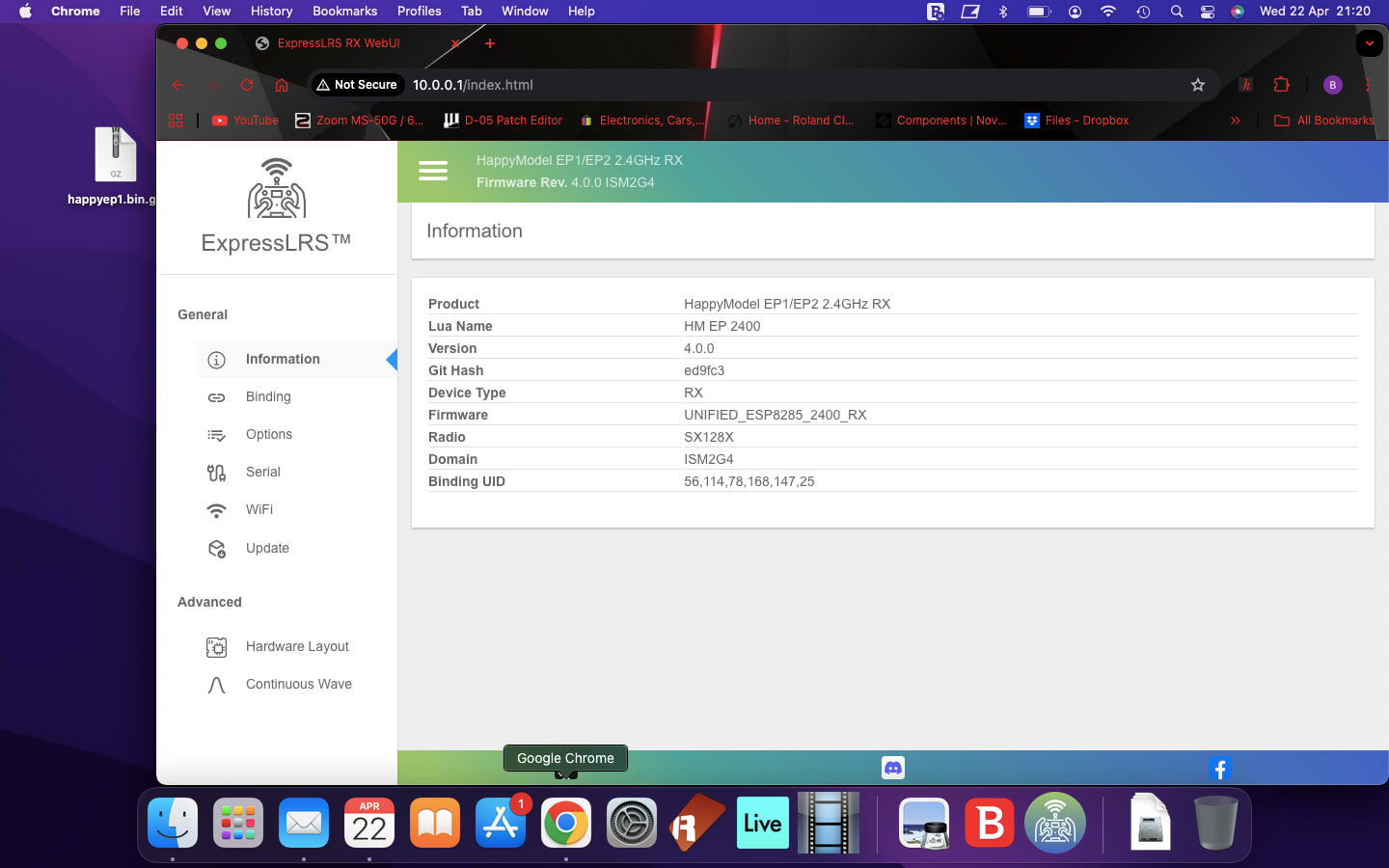
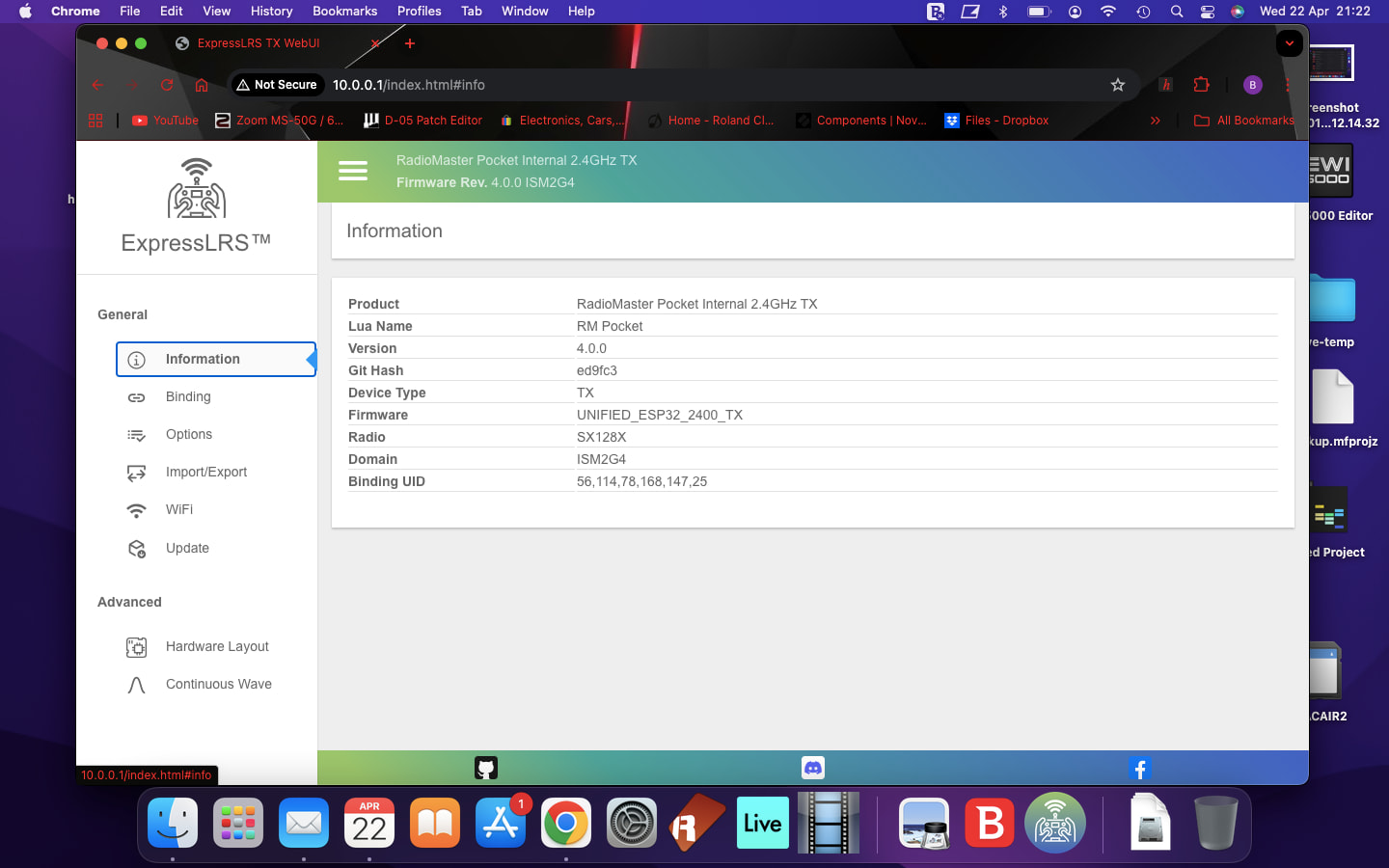
the controller is connected to receiver but is not responding to any joystick input.
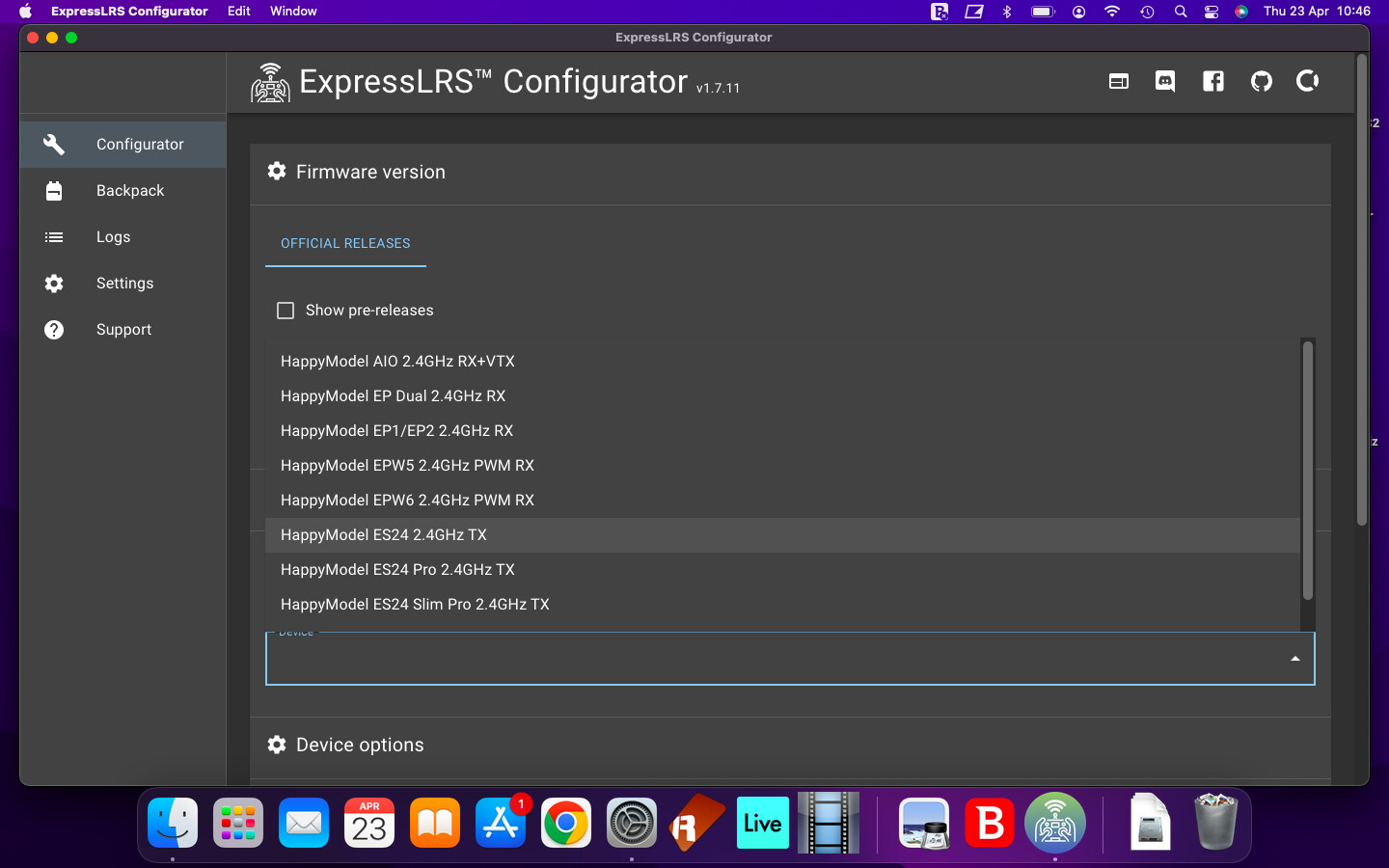
Hi Bob,
Thanks for sharing that screenshot — I can see you’ve pulled up the list of available firmware versions for the HappyDrone 2.4 RX in the ELRS Configurator. Good to know you’re already connected to the receiver via WiFi!
Before we go any further, could you tell me: what firmware version is currently showing as installed on the receiver? It should be displayed at the top of that configurator page (something like “Firmware: v3.x.x”). This will help us check whether there’s a mismatch. I recall that the module 8 ships with ELRS V3.xx on it. Best to connect to the ELRS page via WIFI if you can as you can then confirm the firmware target, but according to docs it should be HappyModel EP 2400 RX
That said, I want to refocus on what’s most likely causing the “connected but no stick input” issue:
Also still worth checking — Betaflight Receiver tab once you have bound the RX:
Plug your Mobula 8 into your PC and open Betaflight → Receiver tab. Let me know what you see:
- No bars at all → FC isn’t receiving data (UART/protocol issue)
- Bars visible but don’t move with sticks → almost certainly Model Match
- Bars move but on wrong sticks → channel mapping issue
Updating the RX firmware to a newer V4 version that matches your radio will resolve the issuce since ELRS v3.x is backward compatible within the major version, Or you could downgrade firmware on your radio to V3.0
Kind Regards,
Unmanned Tech Support
screenshots show both on elrs 4.0
sorted betaflight issues reinstalled original firmware from happymodel via cli dump and it came to life.
Managed to arm drone but all the sticks were set wrong for me adjusted the stick in beta and controller to how i want then and thd drone would no arm.
any ideas bout arming issue? ill have a poke around
bob
ps have a lot of mailing errors resonding wia email, not sure if it is by design thought id let you know
Hi Bob,
Great progress getting everything up and running! The arming issue after changing stick assignments is a very common one — here’s what’s most likely going on:
1. Throttle Calibration (most likely culprit):
When you remap sticks in Betaflight (e.g., swapping from Mode 1 to Mode 2, or changing which channels feed which sticks), the throttle channel’s min/max range can shift. Betaflight requires throttle to read 1000 (or below, depending on your throttle endpoint) at the bottom to arm. Go to the Receiver tab and check what value your throttle channel shows at the bottom — it needs to be at or below 1000. If it’s sitting at something like 1005 or 1010, Betaflight will refuse to arm.
Fix: Move your throttle stick to full min and full max a few times, then click Save. This recalibrates the endpoint range.
2. Throttle Endpoint Settings:
Go to the CLI tab and run:
get min_check— should be something like1000or1020get max_check— should be something like1900or2000
If your throttle minimum value at the bottom of travel is higher than min_check, you won’t be able to arm. You can adjust min_check slightly if needed (e.g., set min_check = 1030 then save).
3. Arming Method:
Make sure your arming method hasn’t changed. By default, the Mobula 8 usually arms via a switch on AUX channel (if you have a switch assigned for ARM), or via the stick command (throttle down + yaw right). Check the Configuration tab → Receiver section → look at the arming setting. If it’s set to a switch but you changed your AUX channel mapping, the switch won’t register.
4. Pre-Arm Checks:
Betaflight has several pre-arm safety checks. On the Cli tab run dump and look for settings like:
gyro_cal_on_first_arm = ON— this means you need to hold the arming position for a couple of seconds while the gyro calibrates
Quick test:
After fixing the throttle calibration, try arming again. If it still won’t arm, go to the CLI tab and run status right after trying to arm — it should tell you why arming was denied (e.g., “Throttle too high”, “Prearm: RC not calibrated”, etc.).
Give those a go and let me know what you find — happy to help troubleshoot further! 
Re: the email errors — thanks for flagging that! I’ll pass that on to the team to look into.
Kind Regards,
Unmanned Tech Support
Ok got it arming but still a bit flaky, still not 100% . Will fly it and see
Bob