This is a companion topic for our recent blog post on blog.unmanned.tech
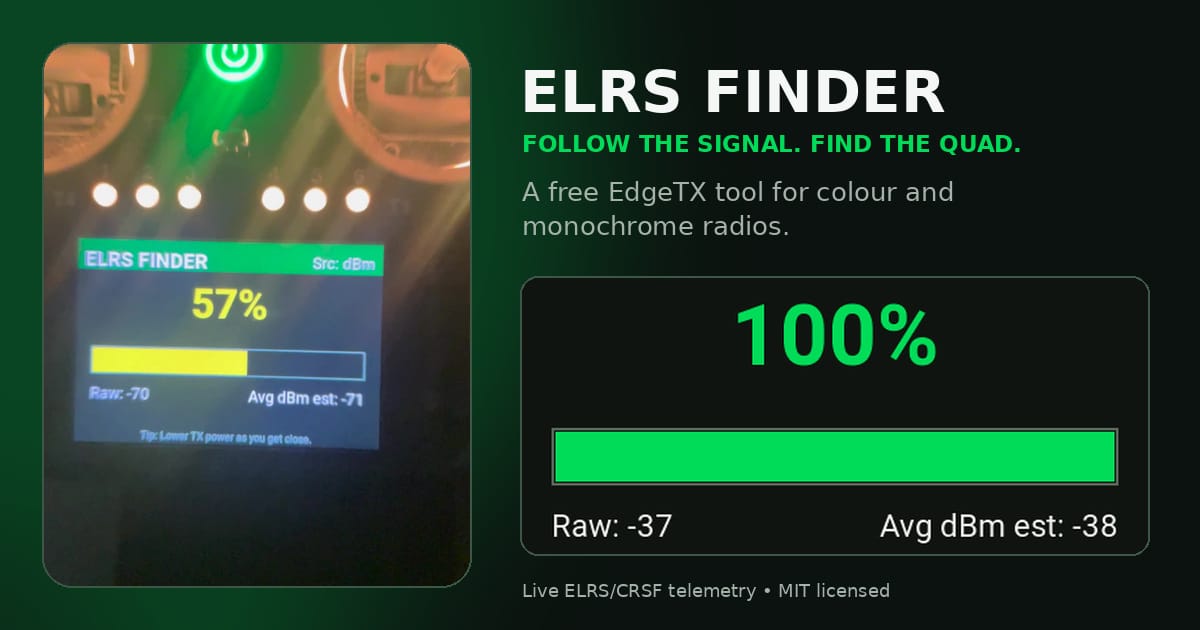
The latest gem in the world of EdgeTX tools is the ELRS Finder, a nifty little piece of software that transforms your compatible EdgeTX radio into a signal tracker for those times when your quad decides to play hide-and-seek. It’s quite simple: if your aircraft is still powered and sending telemetry, this tool will help you track it down using live signal strength readings displayed alongside some rather charming sounds. Just remember, if the battery’s gone AWOL or the receiver is toast, you’re out of luck. Think of this as a helpful sidekick, not a superhero.
The ELRS Finder project has seen contributions from both Sunil Chahal and Ray Noland, the latter giving the original monochrome design a colourful makeover perfect for the modern radio enthusiast. Depending on your screen, you’ll want to grab either the colour or monochrome version to suit your device. Just make sure you’ve got a RadioMaster TX15 or TX16S if you fancy the new interface—those poor monochrome users will have to stick with the compact classic.
Setting it up is about as easy as pie—download the right file, pop it into the Tools folder of your radio, and voilà! You’re ready to start your signal hunt. Of course, do try not to trip over your own feet while you’re at it; a disarmed quad should be safe from accidental take-offs, but we all know how these things can go awry at the worst possible moment.
In summary, while the ELRS Finder isn’t going to draw you a map or guide you to buried treasure, it’s a handy little tool for recovering lost quads without adding any extra weight to your kit. Installation is straightforward, and with a bit of practice, you might save yourself a fair bit of time when the unfortunate happens. Do check it out, and maybe give it a whirl before you find yourself knee-deep in foliage, cursing your luck.
For more details, including installation instructions, have a look at the GitHub repository.
And for an example of it in action, here’s a video link:

Read the full post over at: