This is a companion topic for our recent blog post on blog.unmanned.tech
So, you’ve built yourself a 6S drone that can practically launch into orbit. Well done, you. But if your throttle control feels like trying to balance a greased bowling ball, fear not—your setup isn’t quite right, not you. In our latest blog post, we dive into the vexing world of Betaflight throttle settings, enlightening you on how to avoid being a mid-air catastrophe.
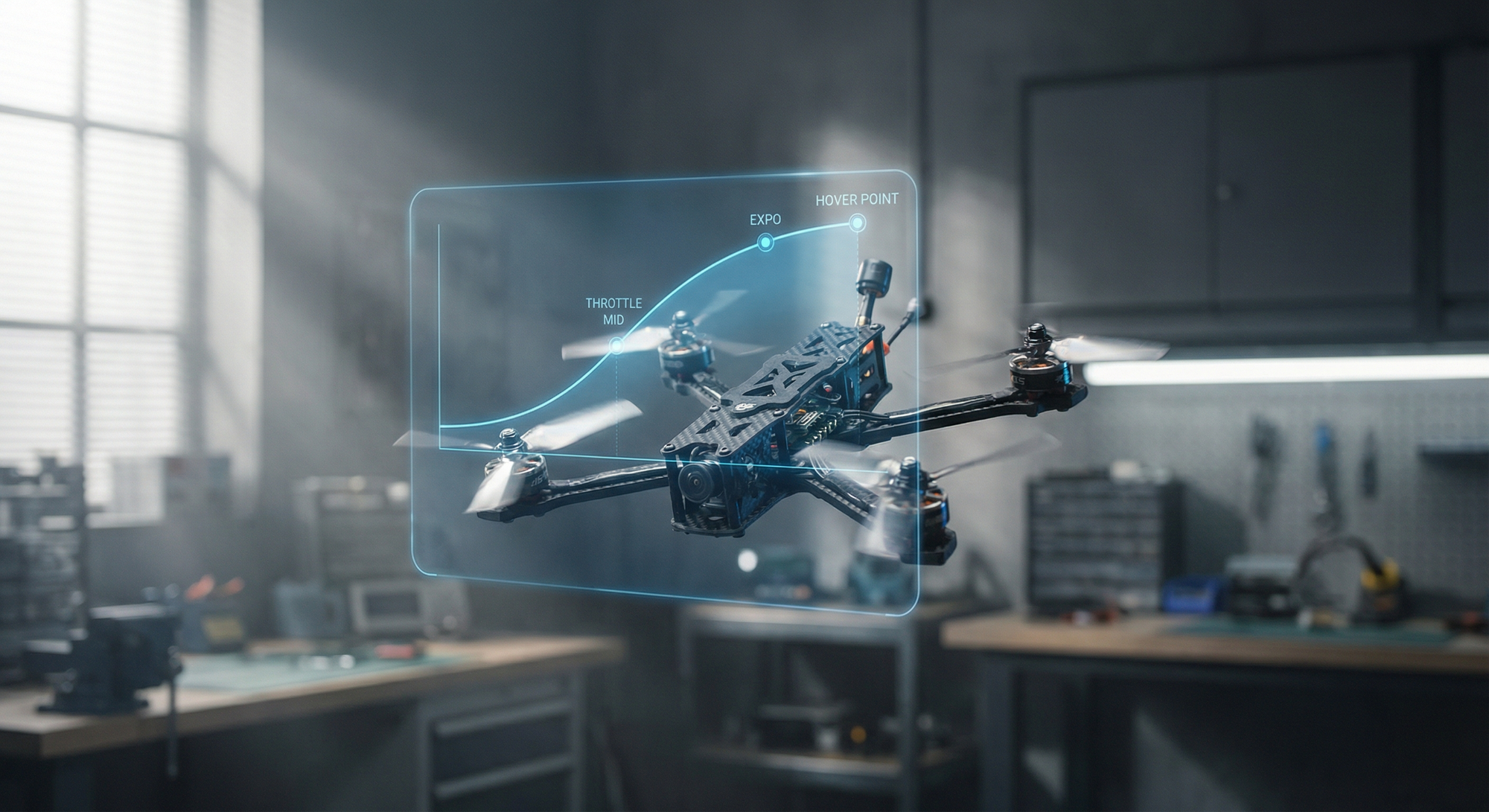
First off, we explore the infamous “10% Hover” trap. Gone are the days when hovering took up half your stick travel; now, it’s crammed into a mere 15-20%. Enter Throttle Mid, where you can tell your flight controller exactly where to centre itself for smoother control. Alternatively, if you’re stuck in the past, Throttle Expo is your friend and will help you flatten the curve around your hover point, ensuring you don’t accidentally blast off when you just want a gentle lift.
We’ve even provided a handy step-by-step guide to setting this all up without resorting to bench prop spinning—because really, who enjoys risking life and limb over a bit of guesswork? Just follow the steps: fly, read your OSD throttle % while hovering, set Throttle Mid, adjust Expo, and voilà—you’re ready to rip through the skies with newfound finesse.
For those eager to brush up on their skills, check out the full blog post here: https://dronetrest.com/betaflight-throttle-control-how-to-set-mid-expo-hover-point-for-smooth-flight
Read the full post over at: